Stechuhr Pro
Track work hours and overtime. Clock in and out manually or use location-based time tracking.

iPhone preview
The screenshots show the German app interface.
App views
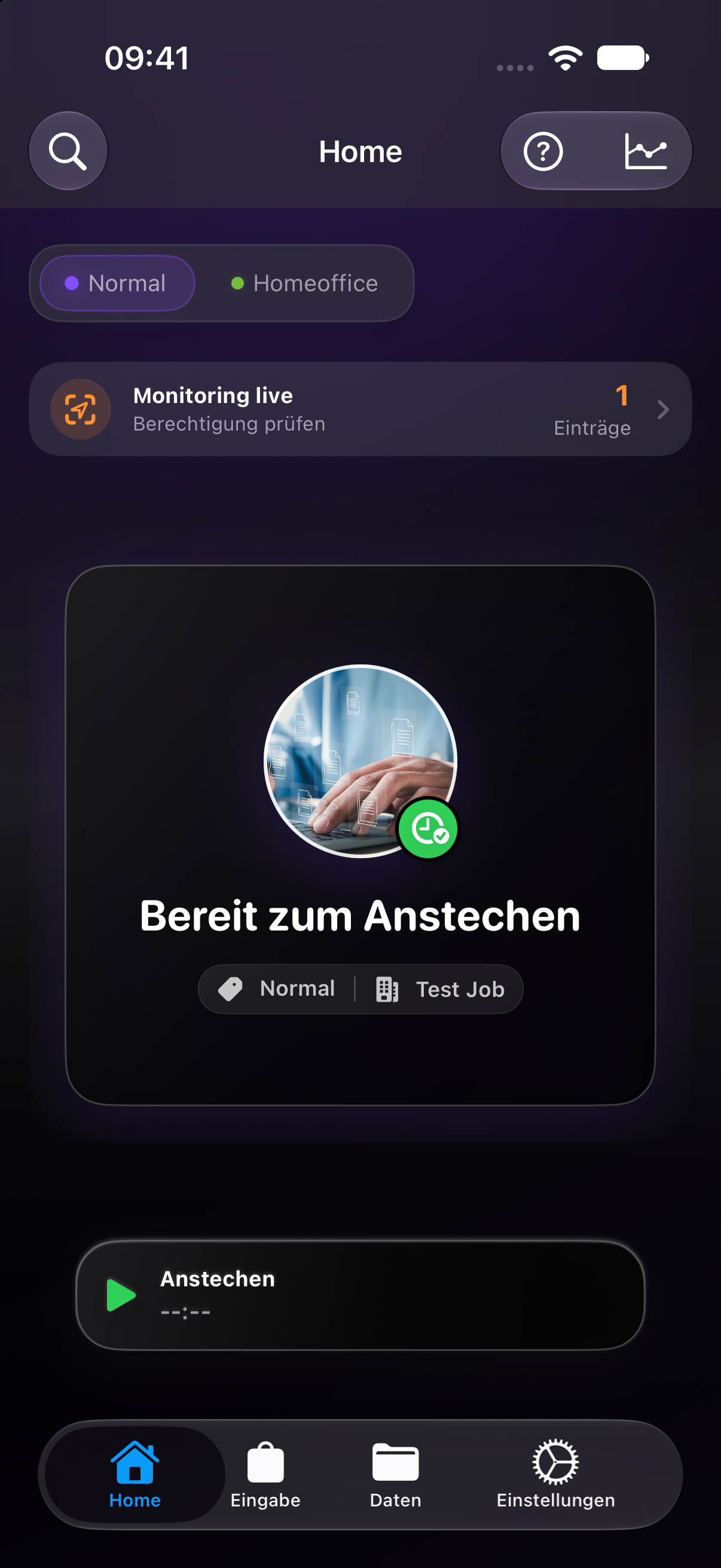
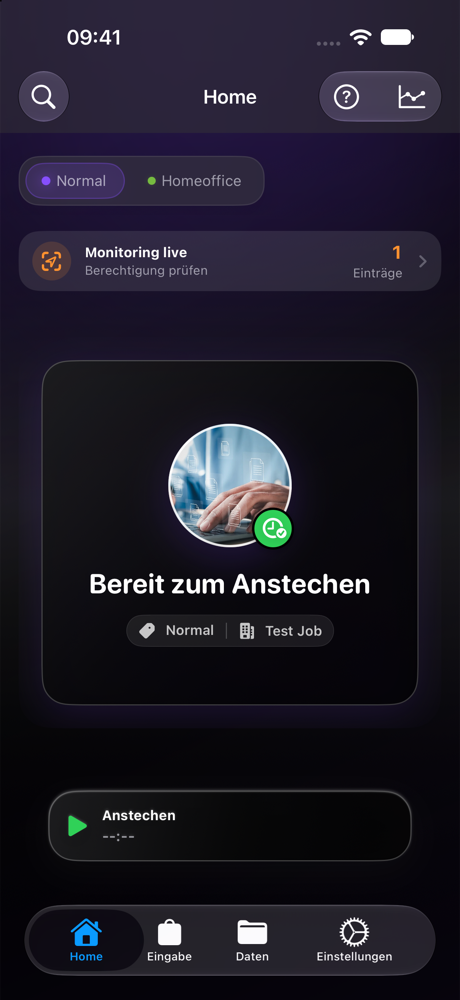 Home – Ready to clock in
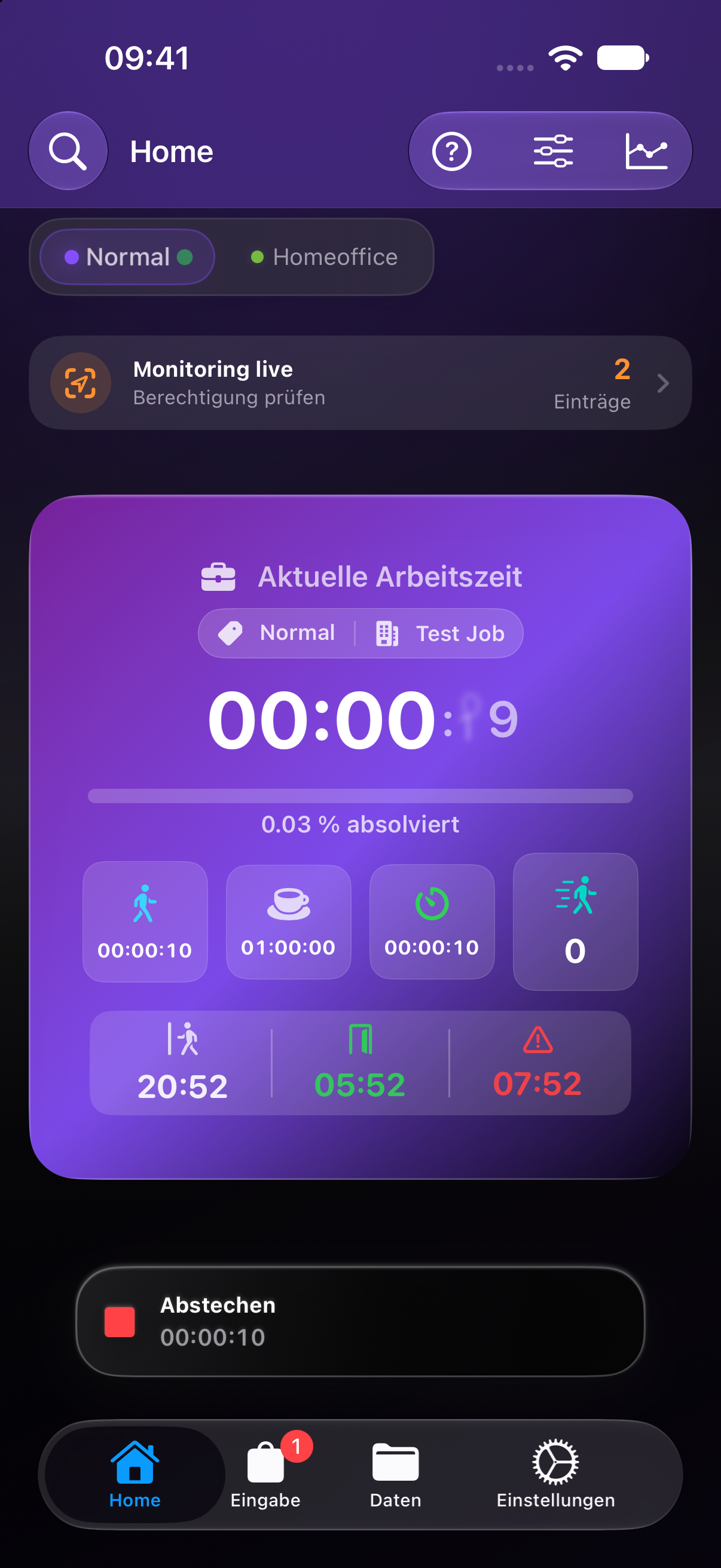
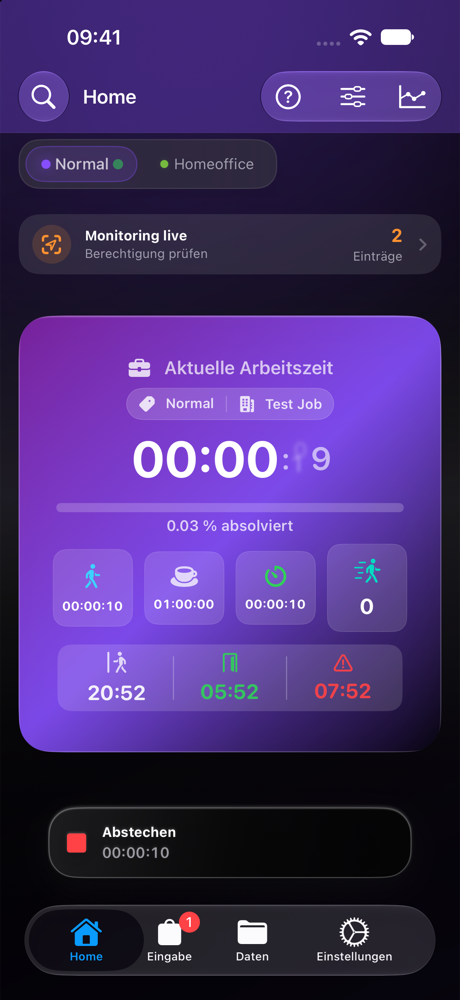 Active time tracking
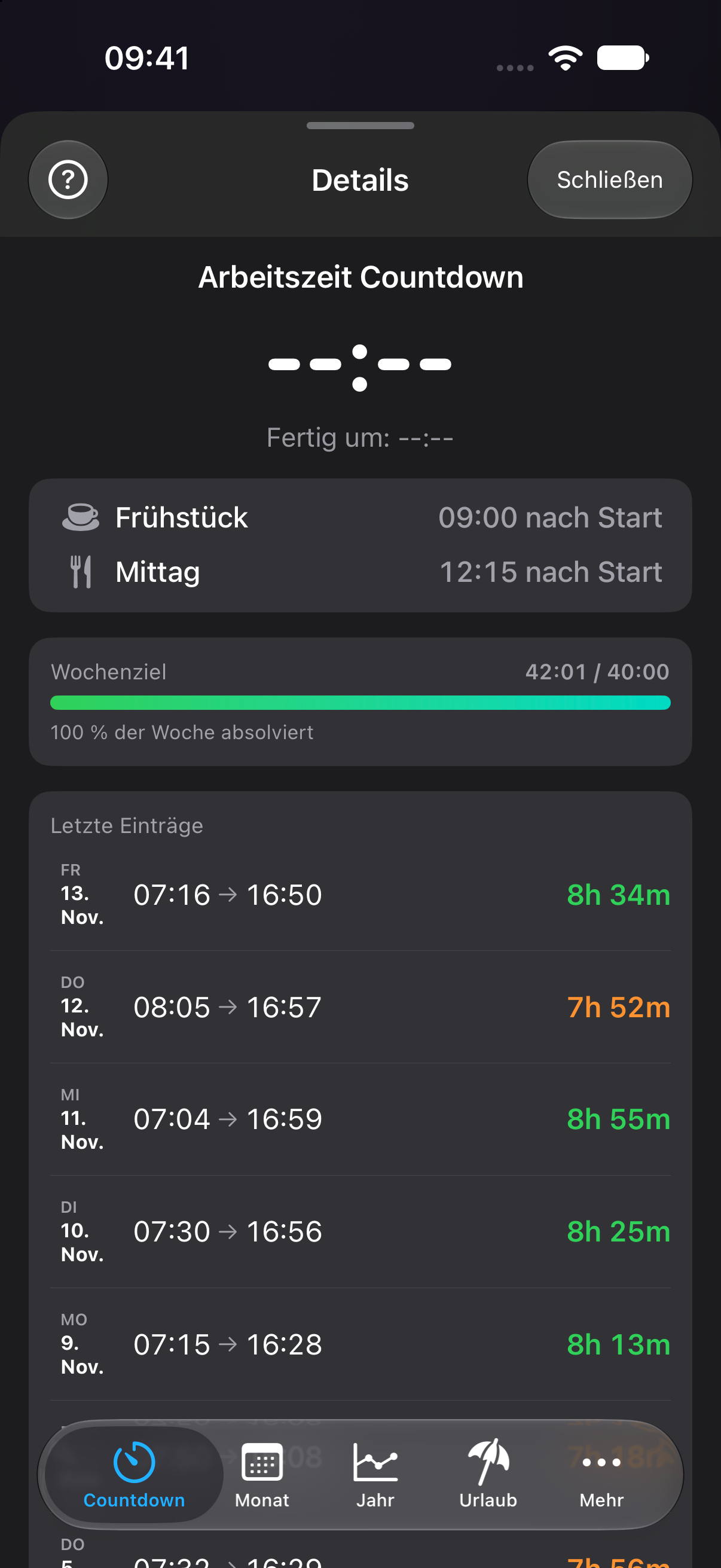
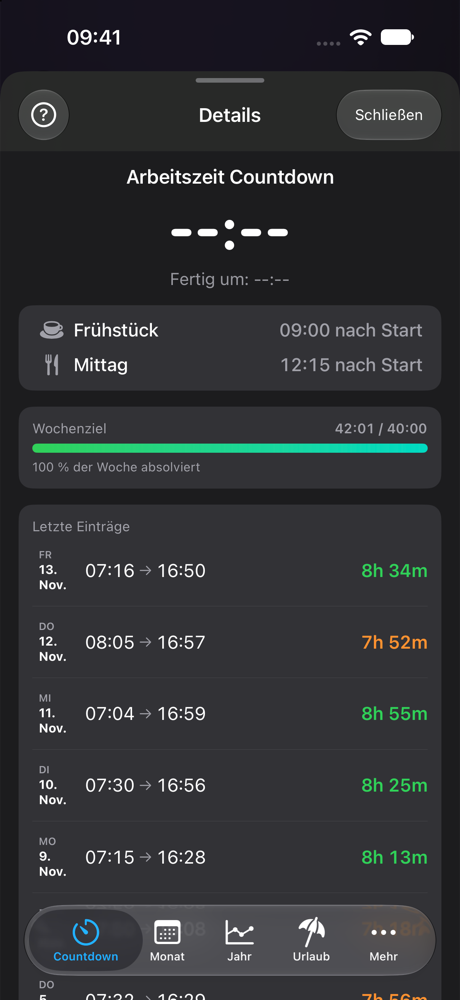 Work time countdown
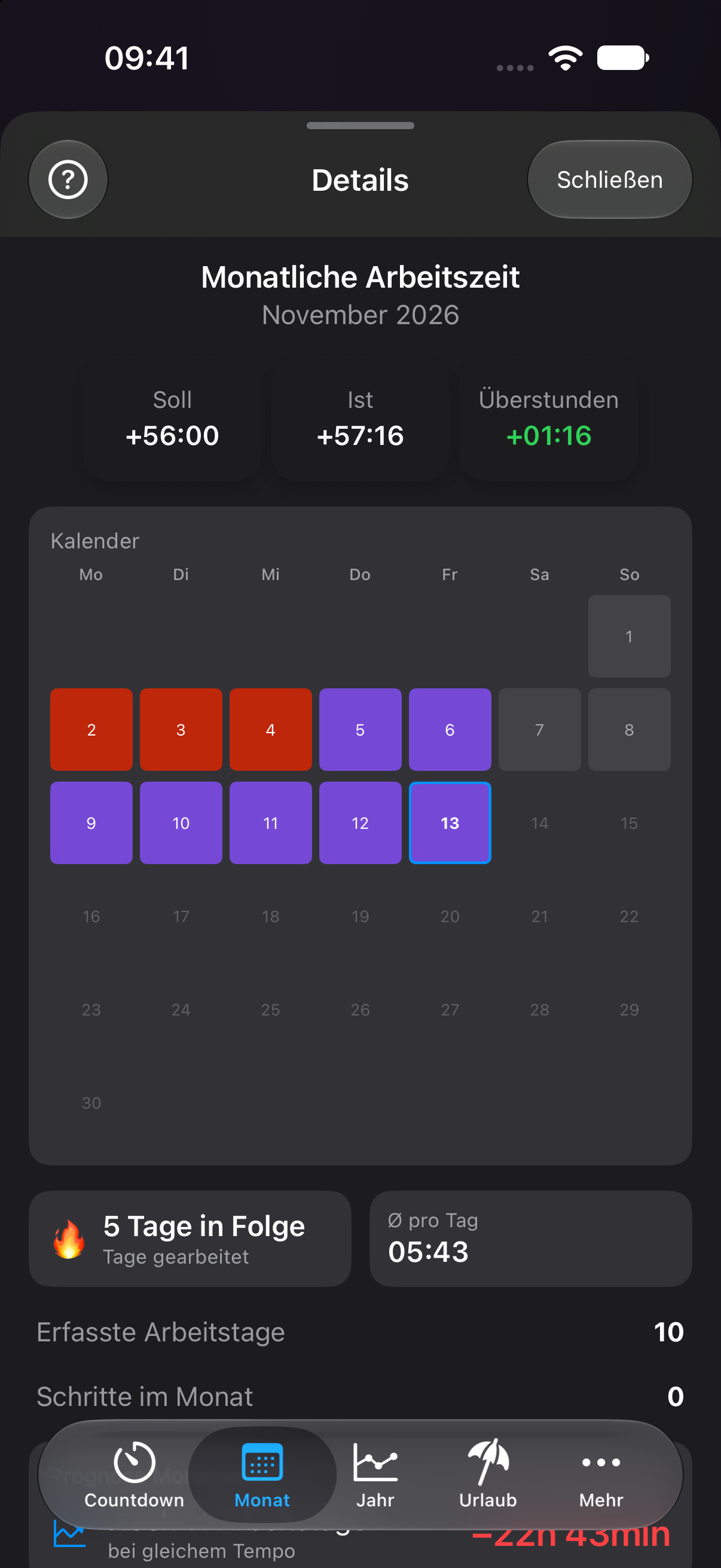
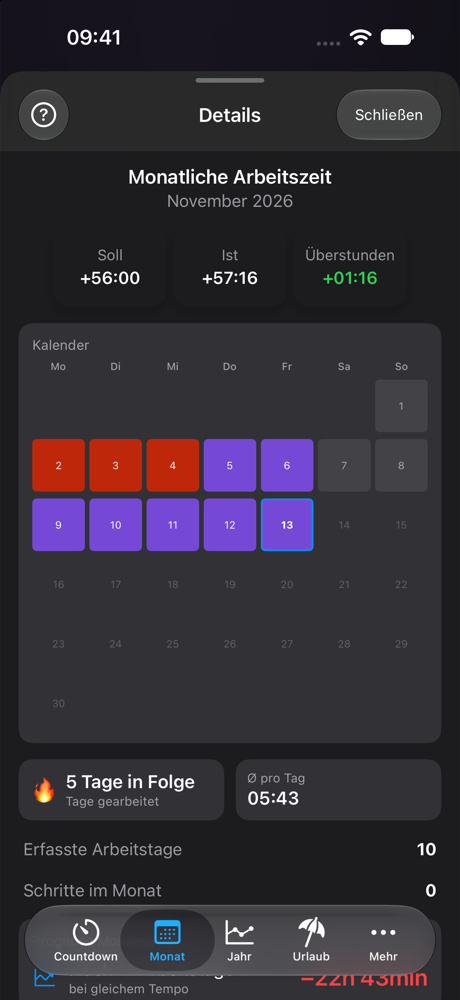 Monthly work hours
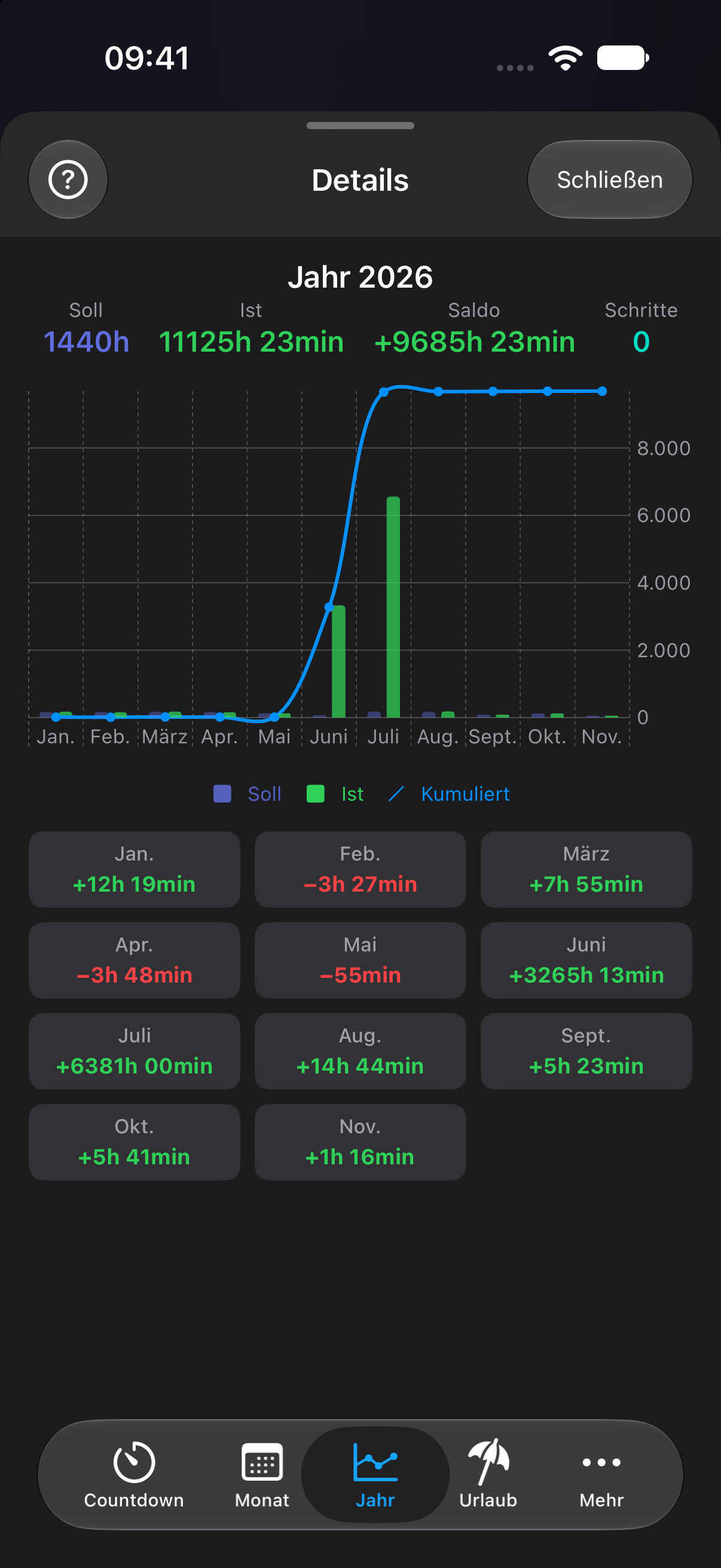
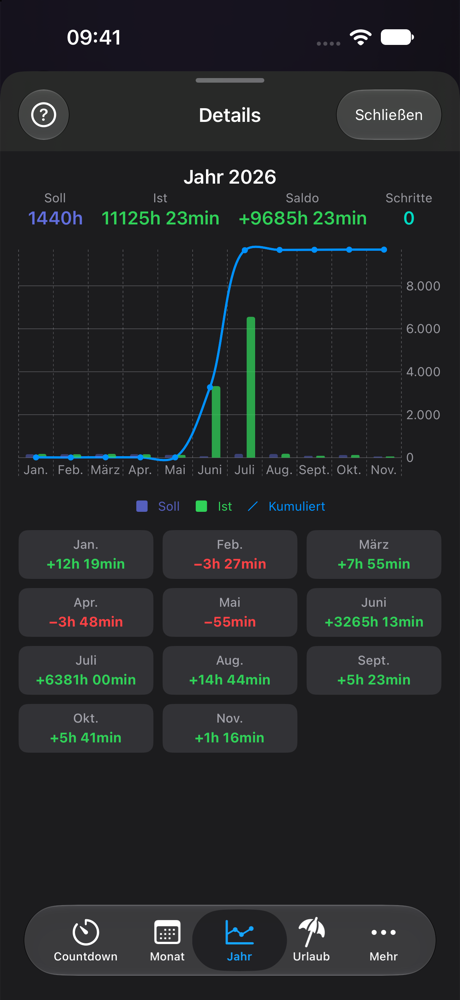 Yearly overview
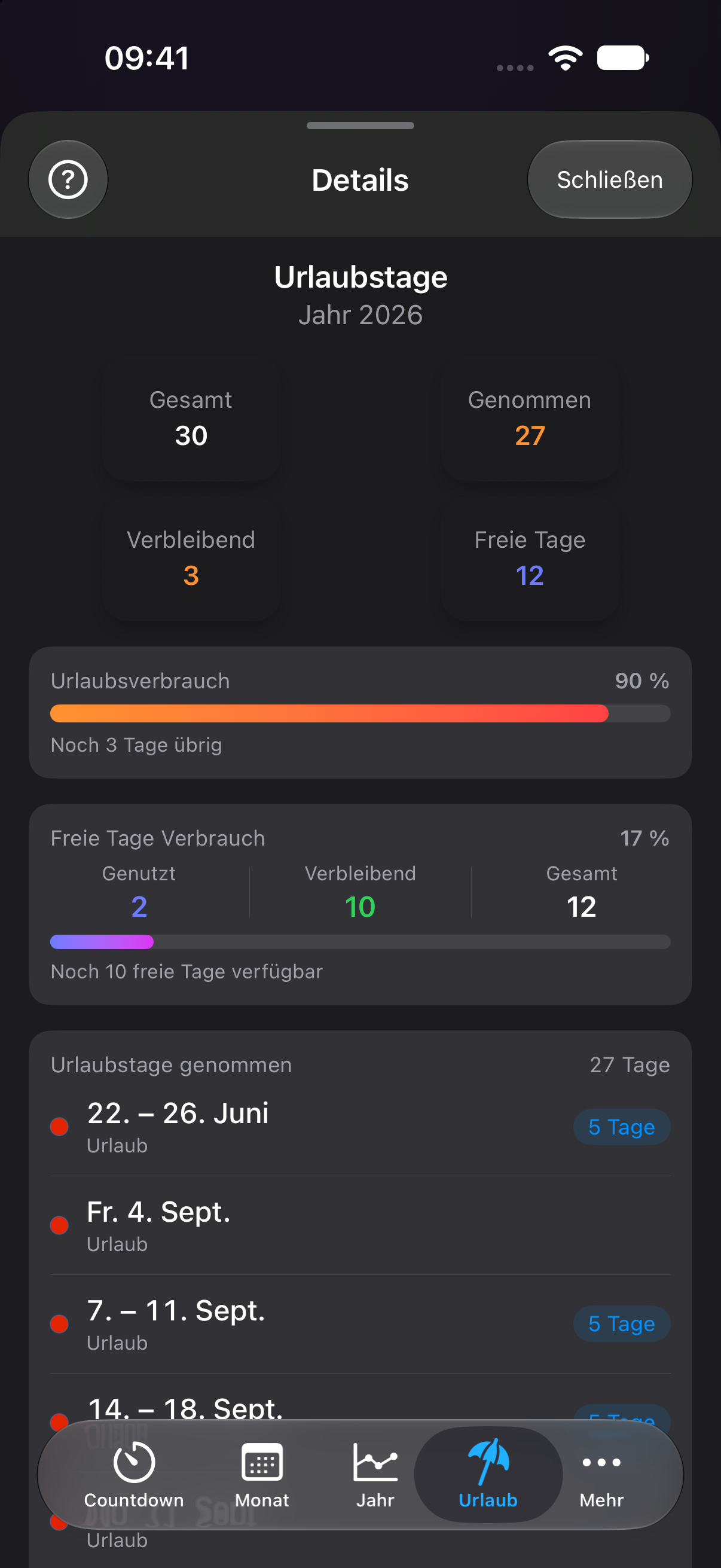
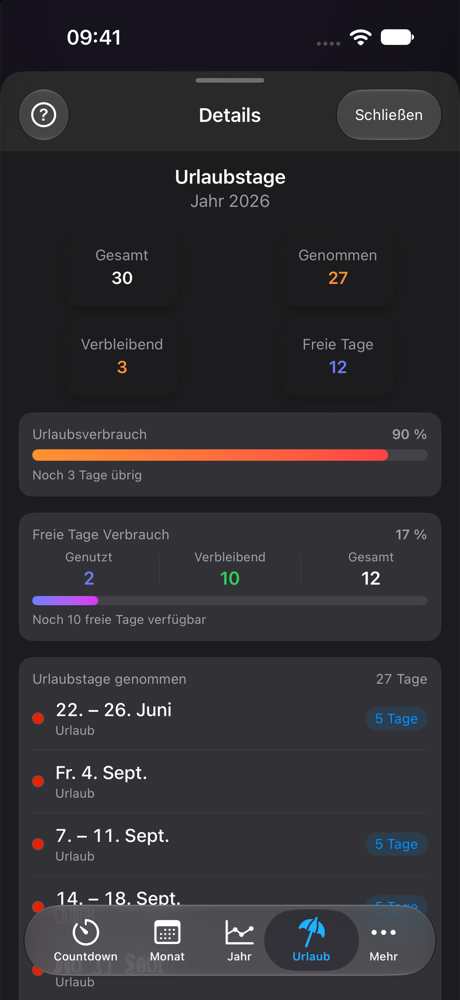 Vacation days
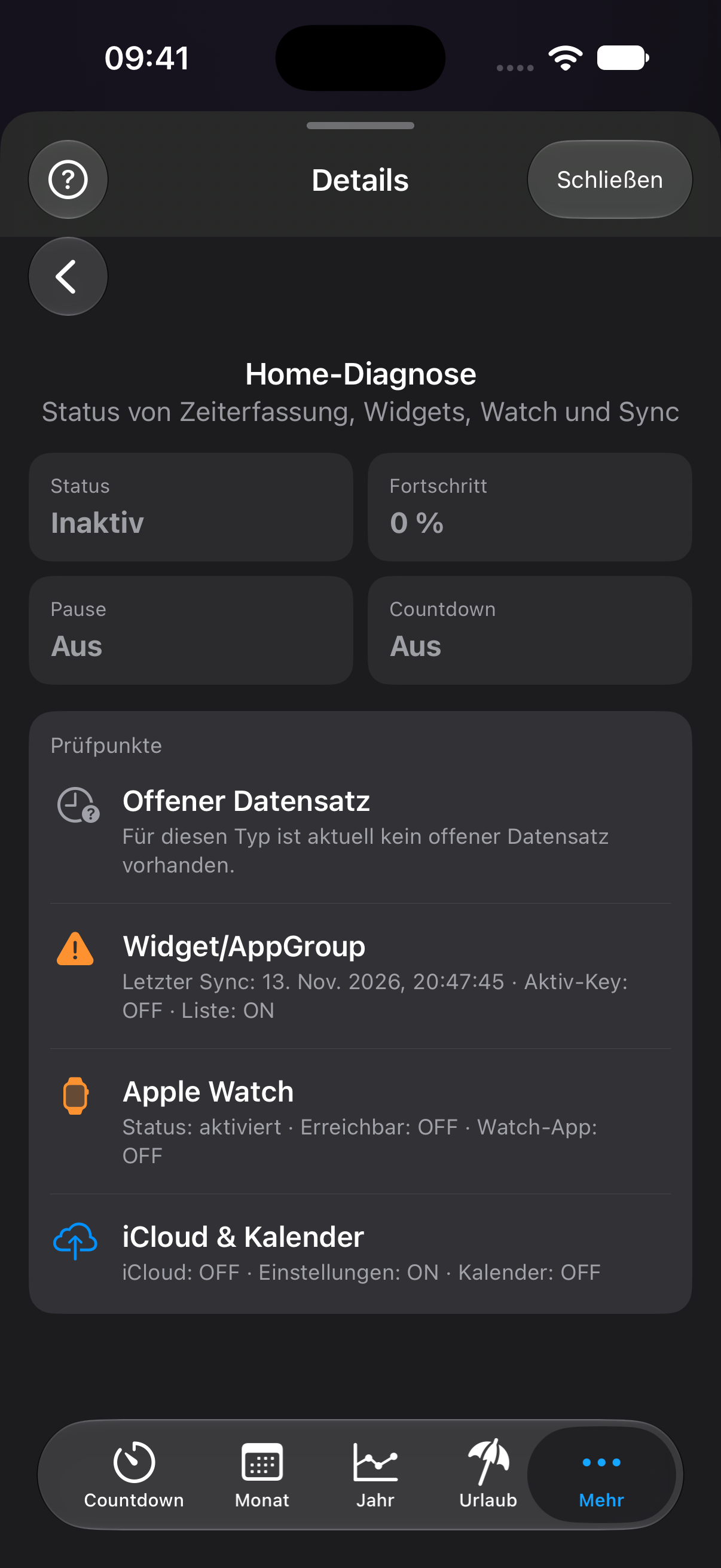
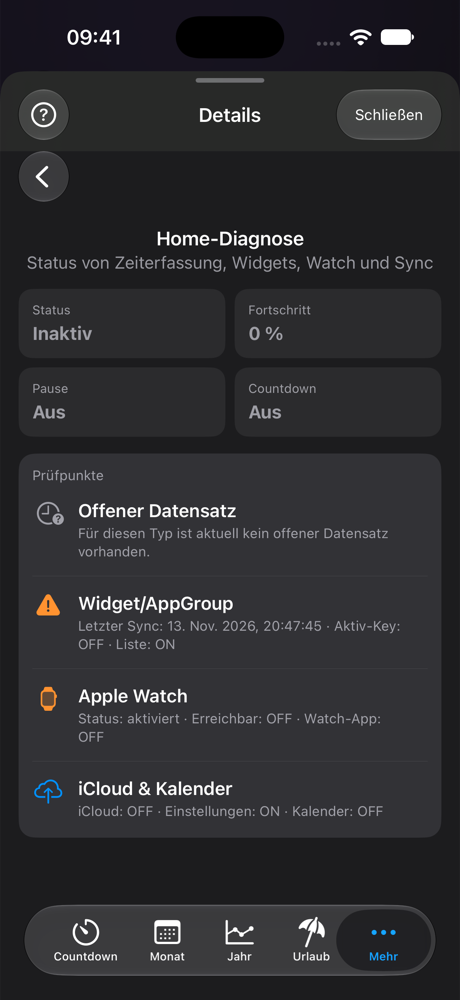 Home diagnostics
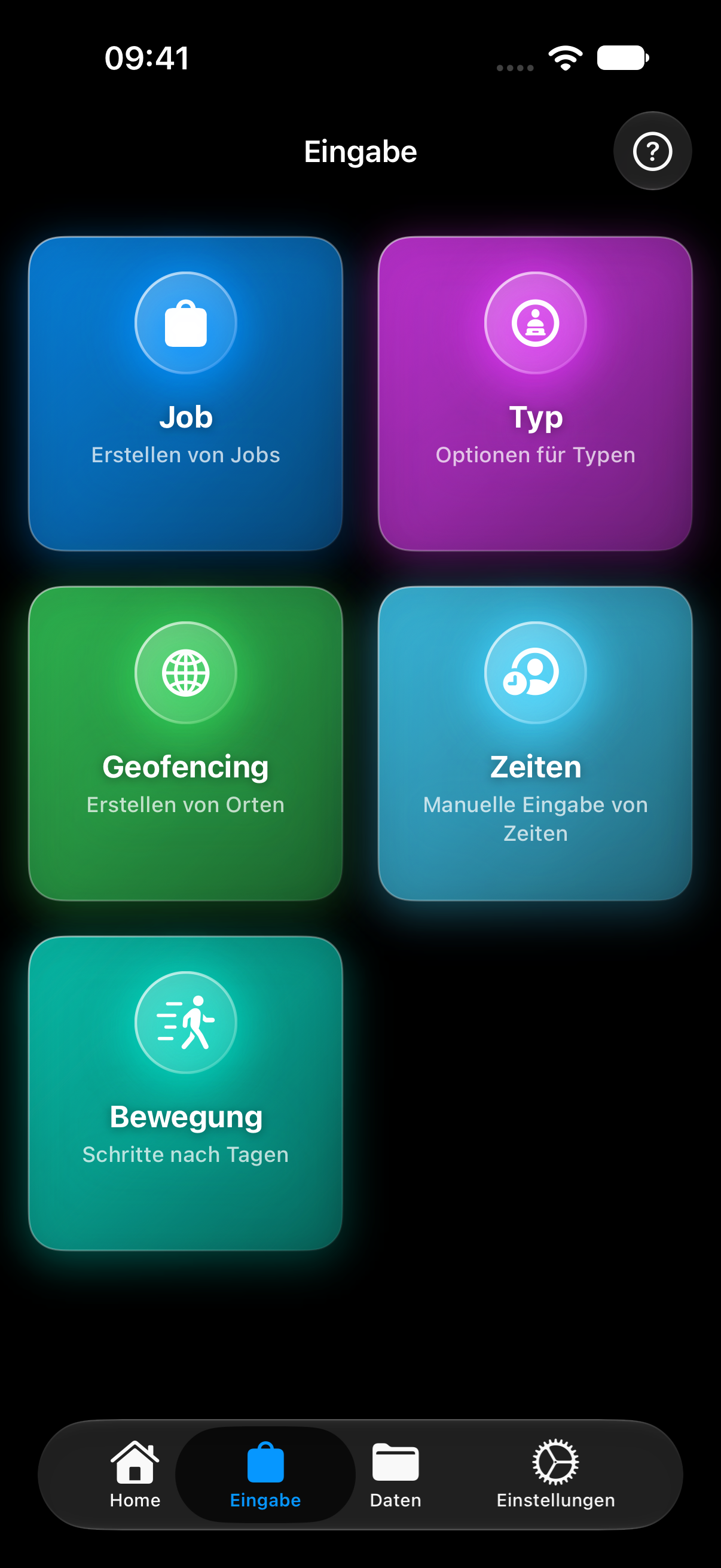
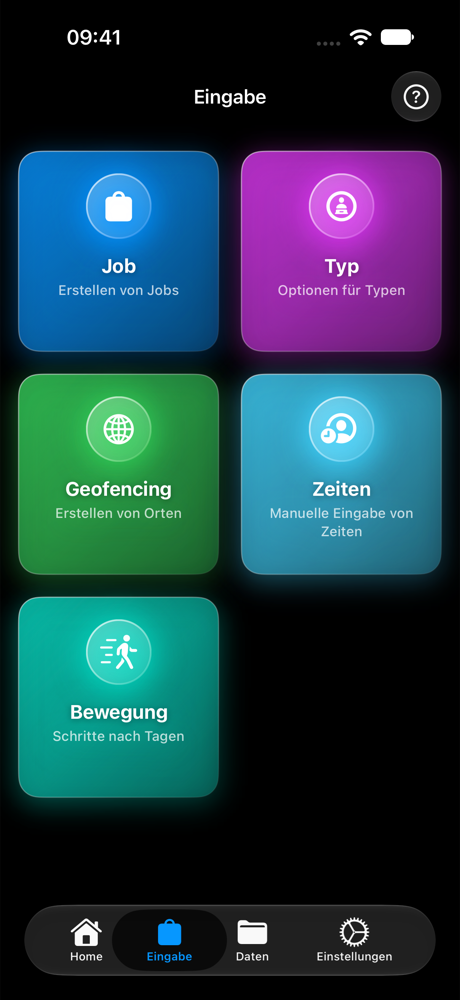 Entry options
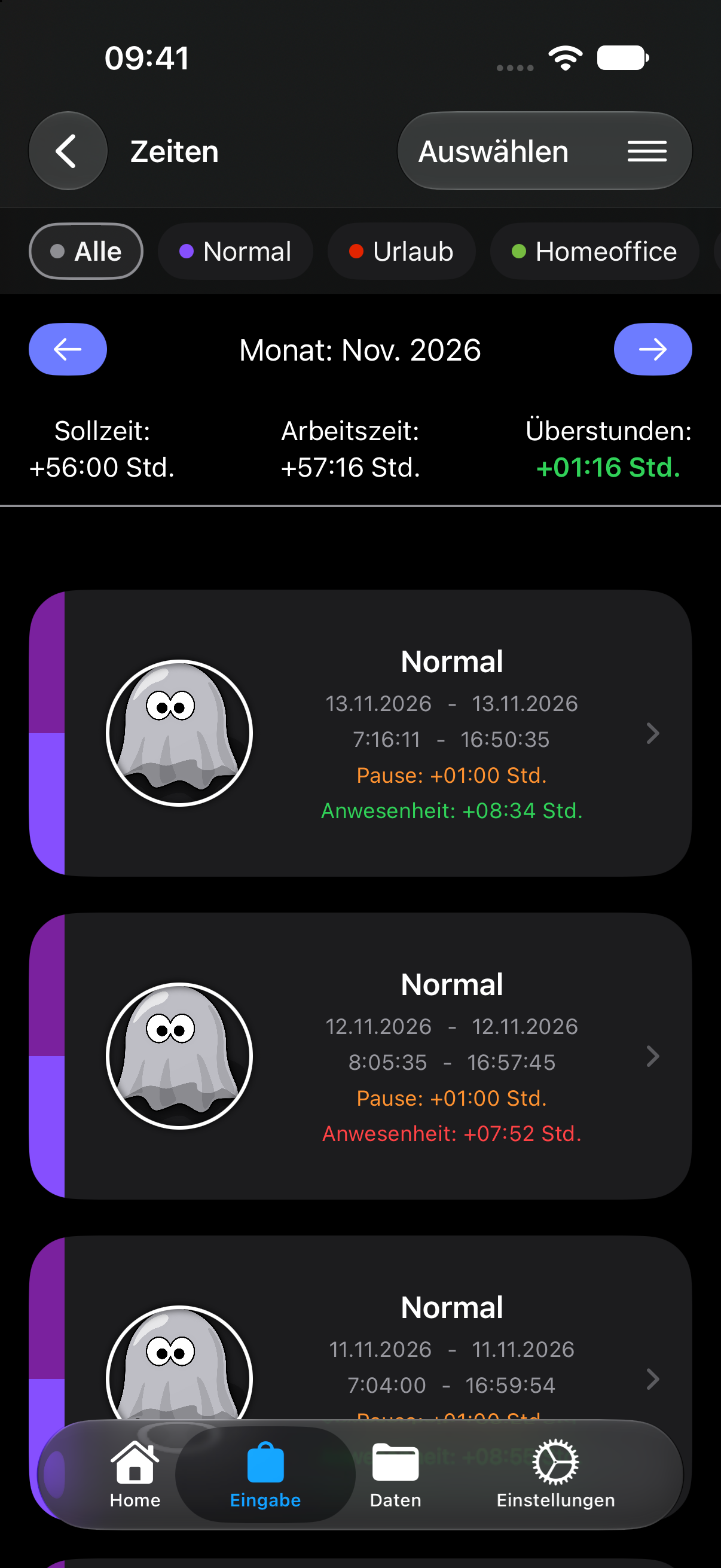
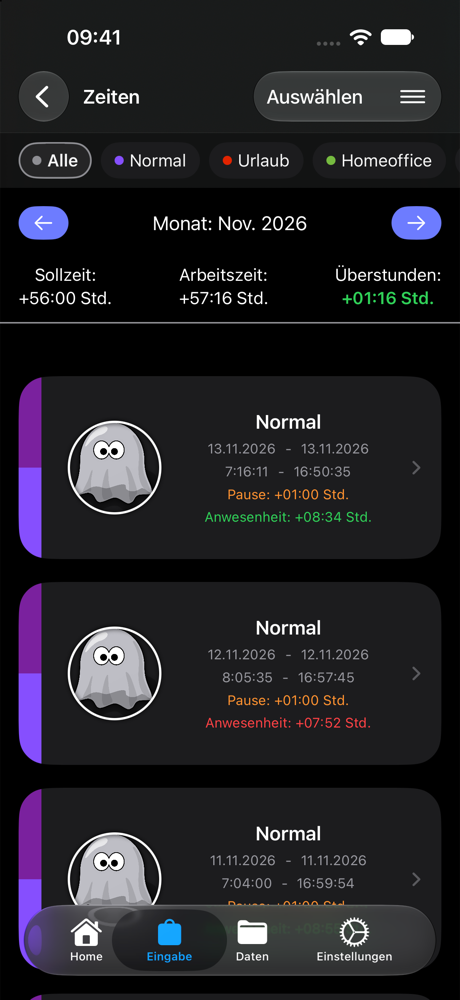 Recorded hours
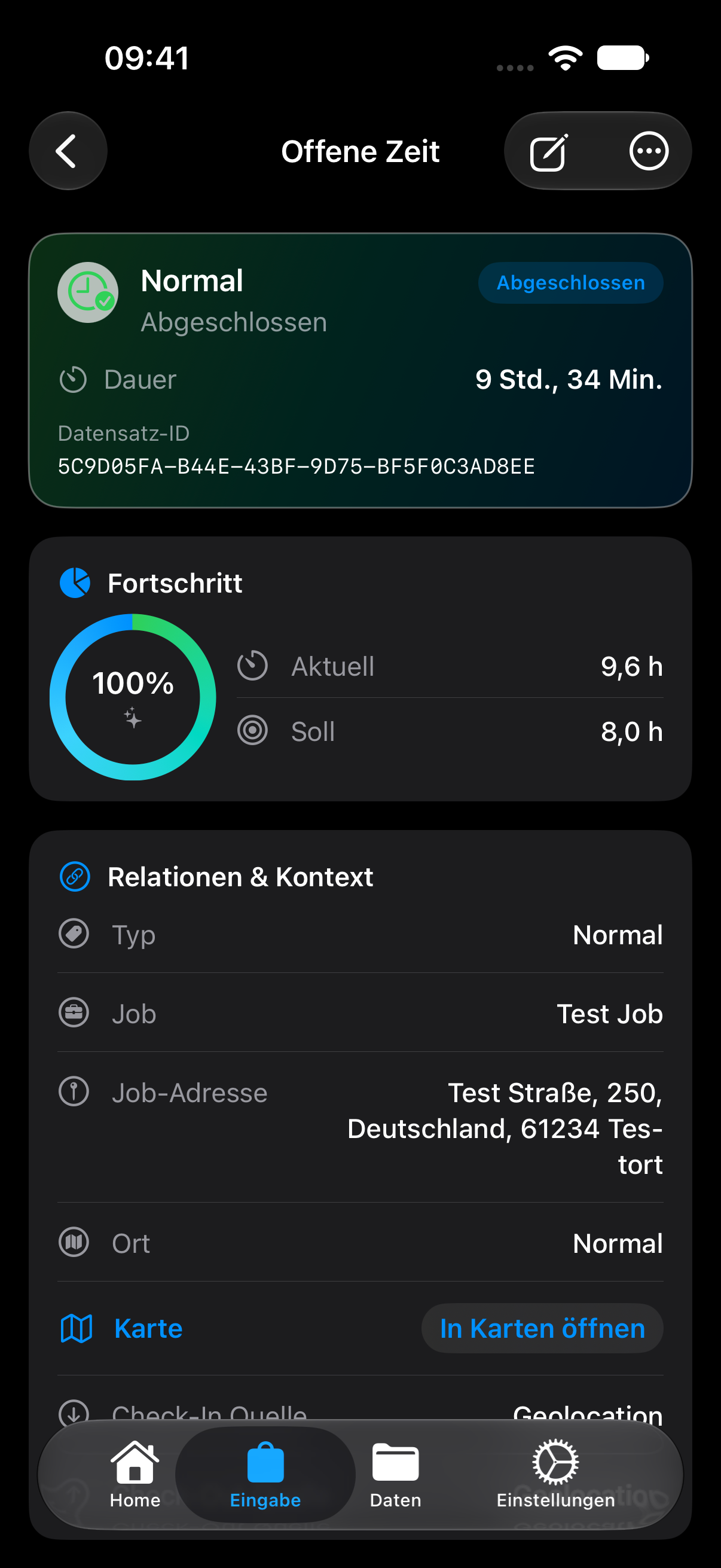
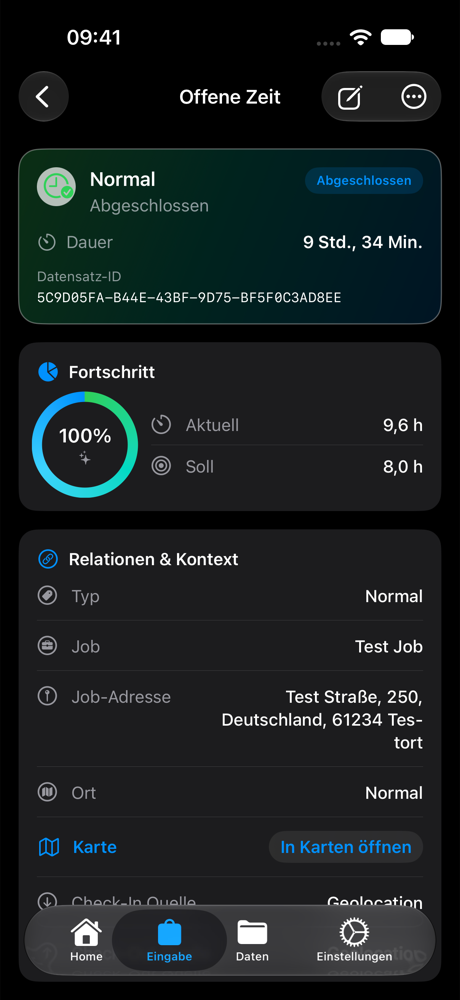 Time entry details
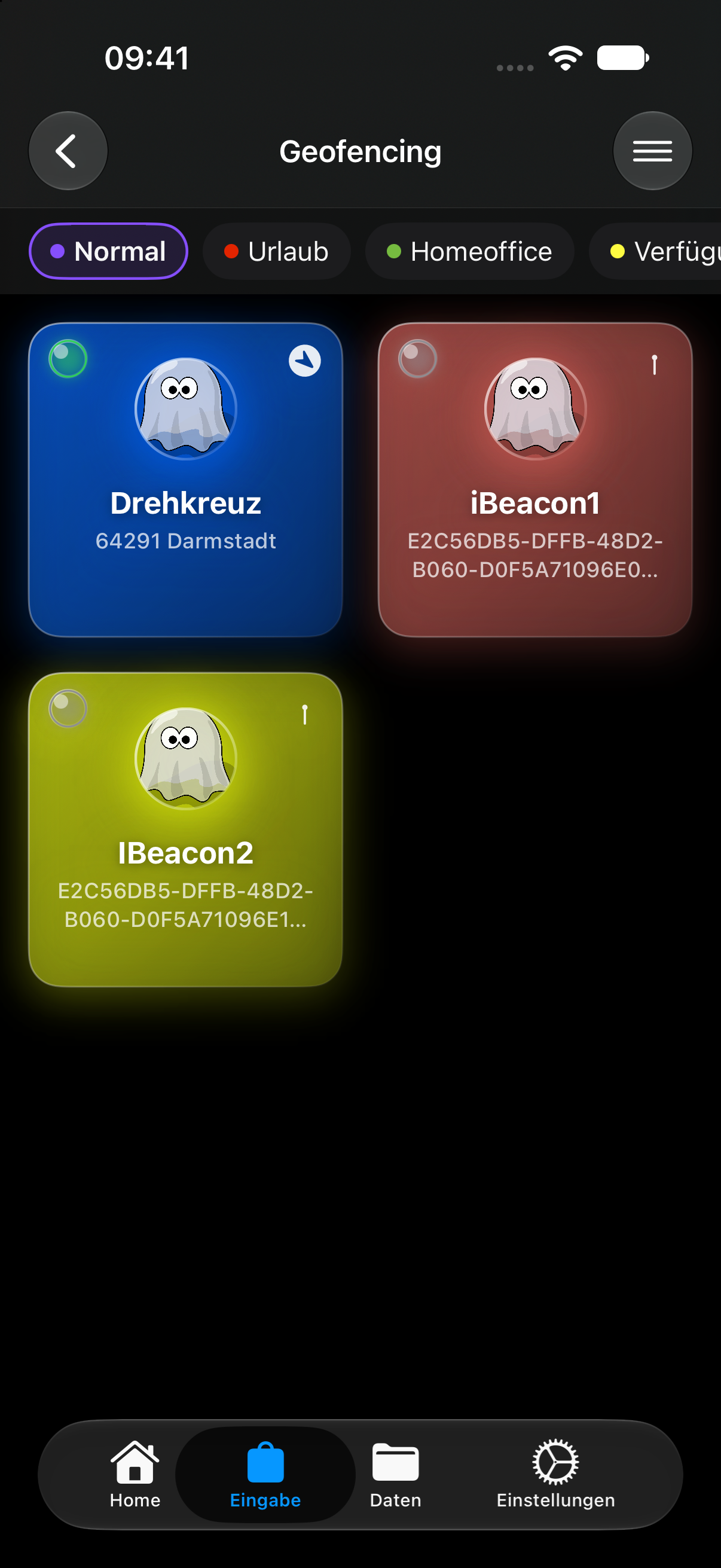
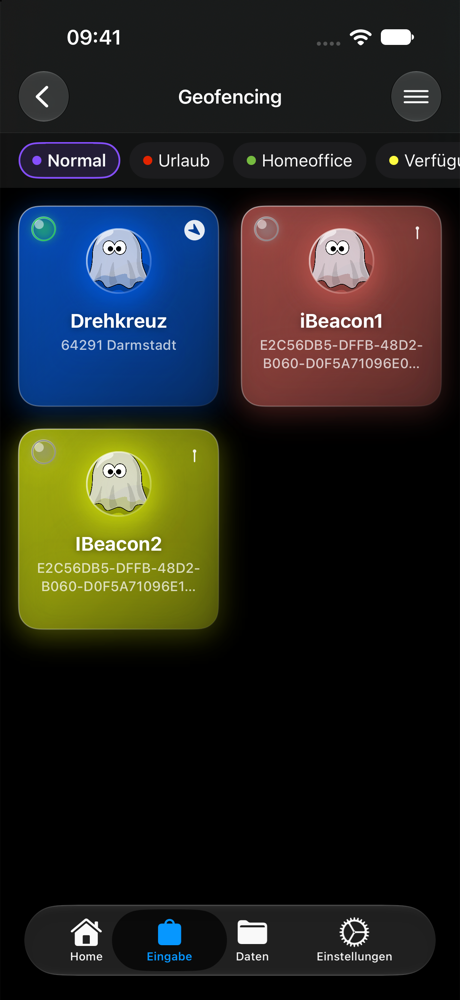 Geofencing and iBeacons
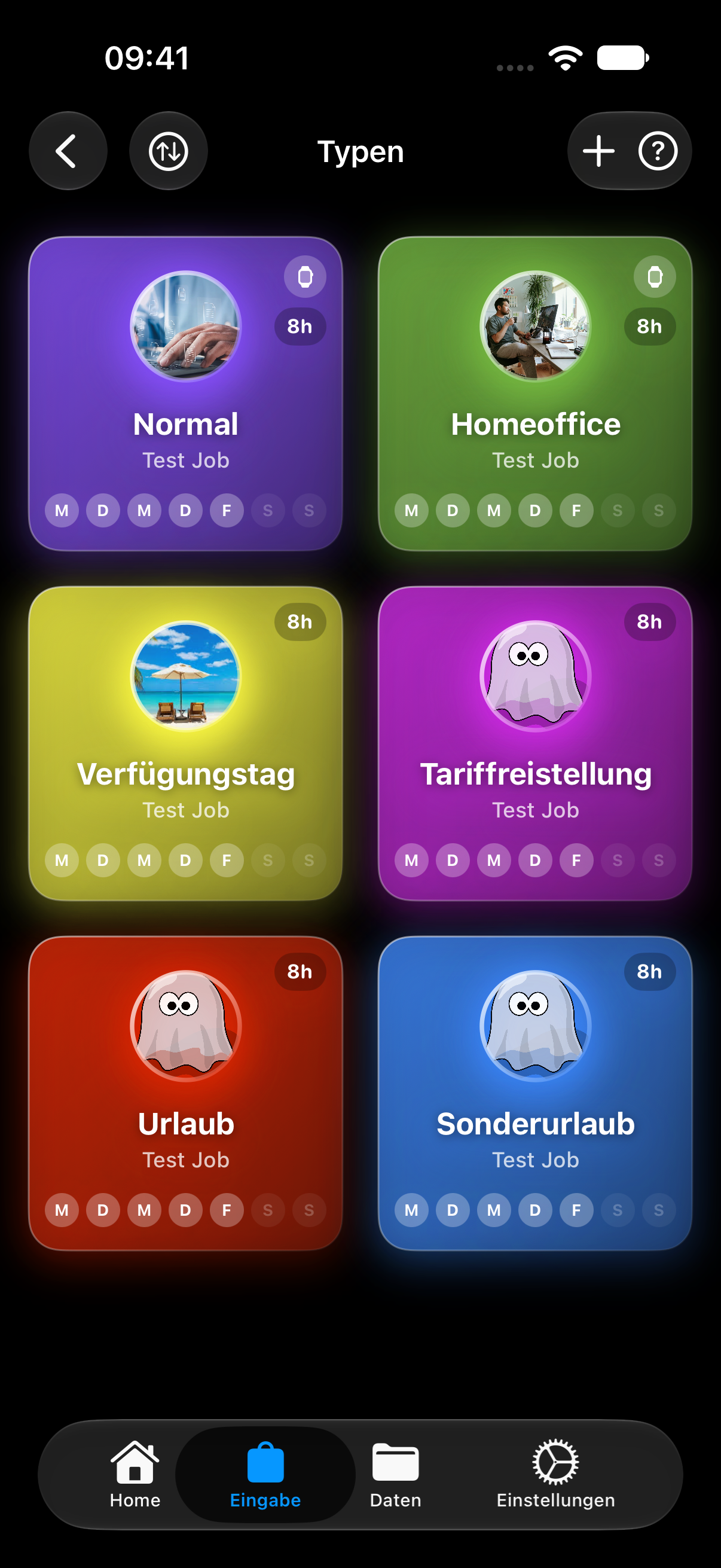
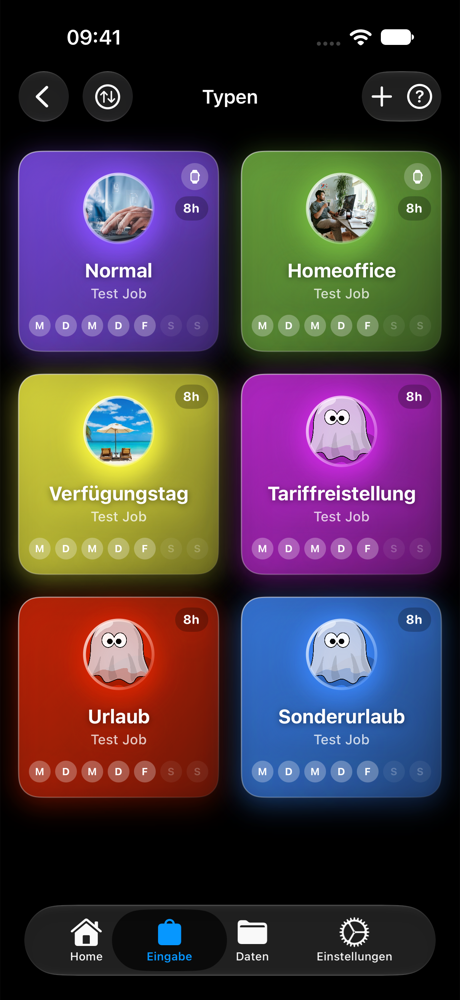 Work types
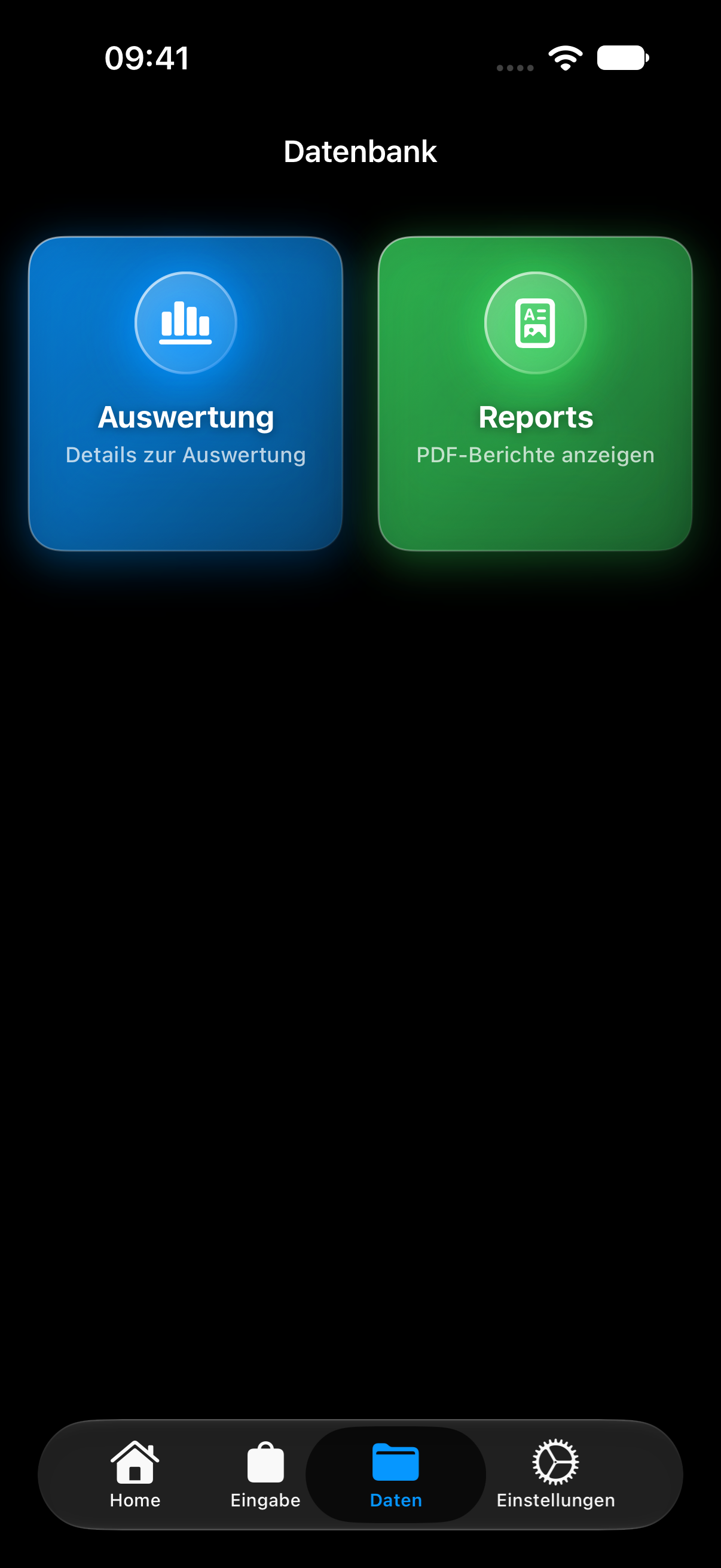
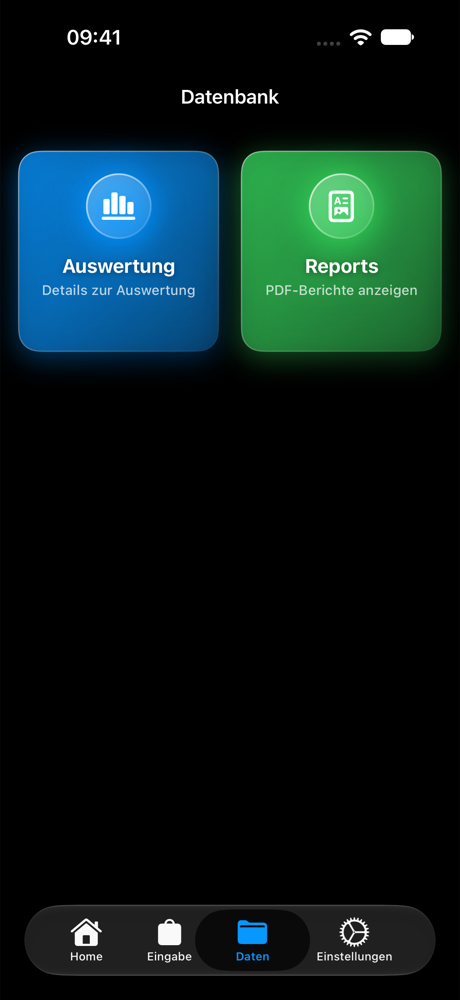 Database and reports
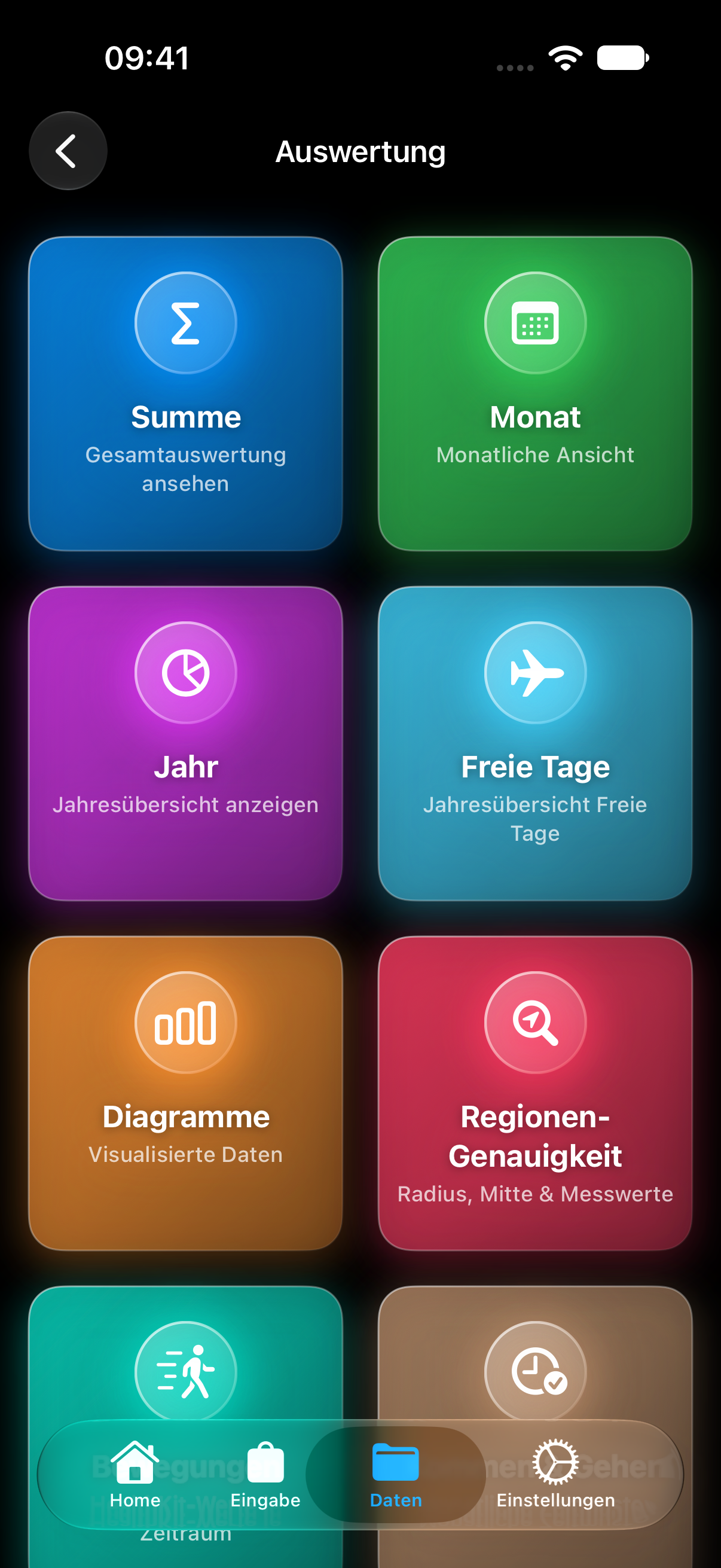
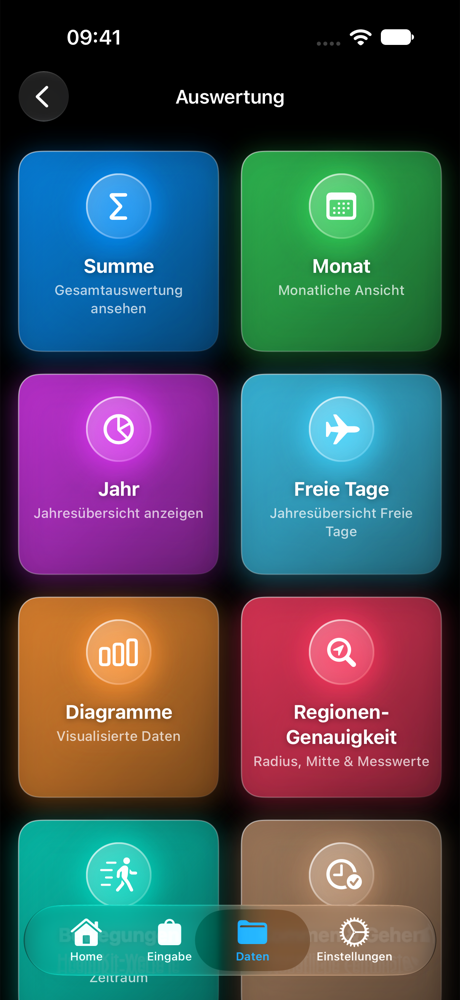 Analytics
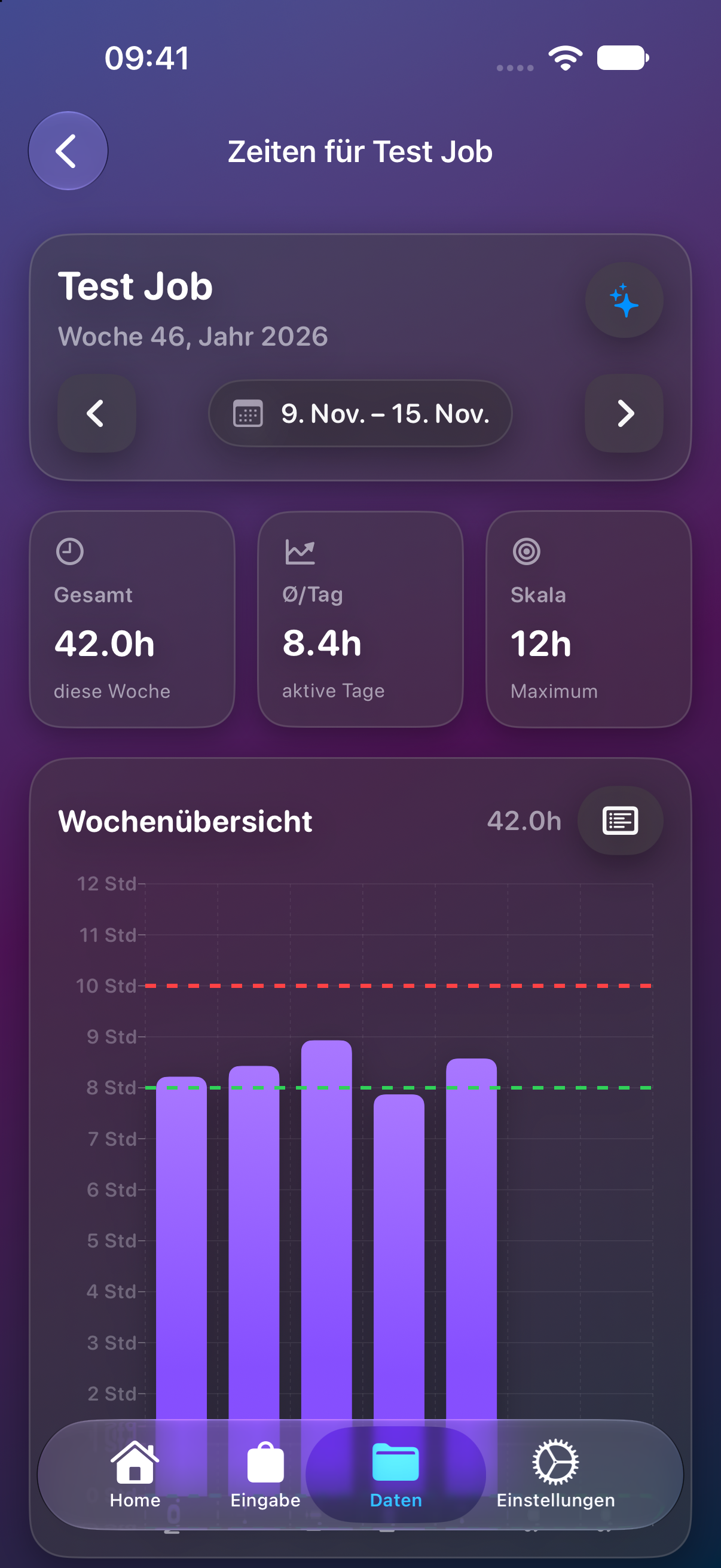
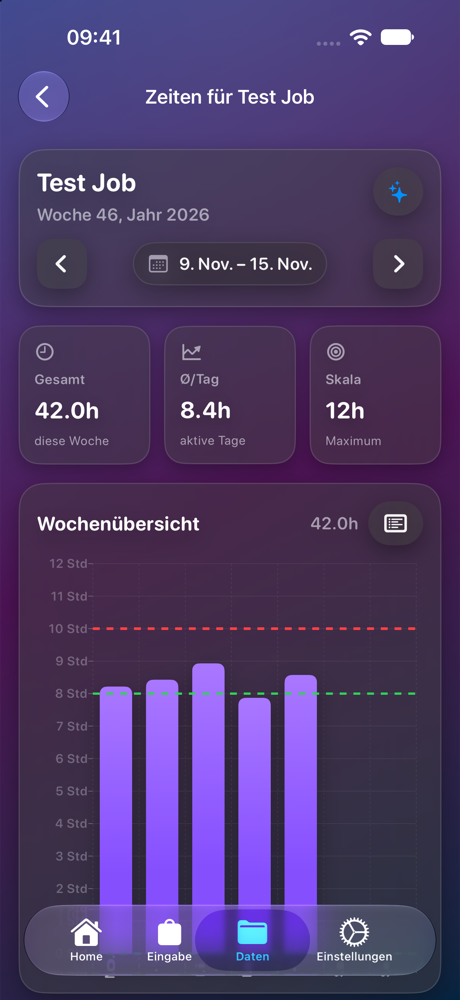 Weekly overview
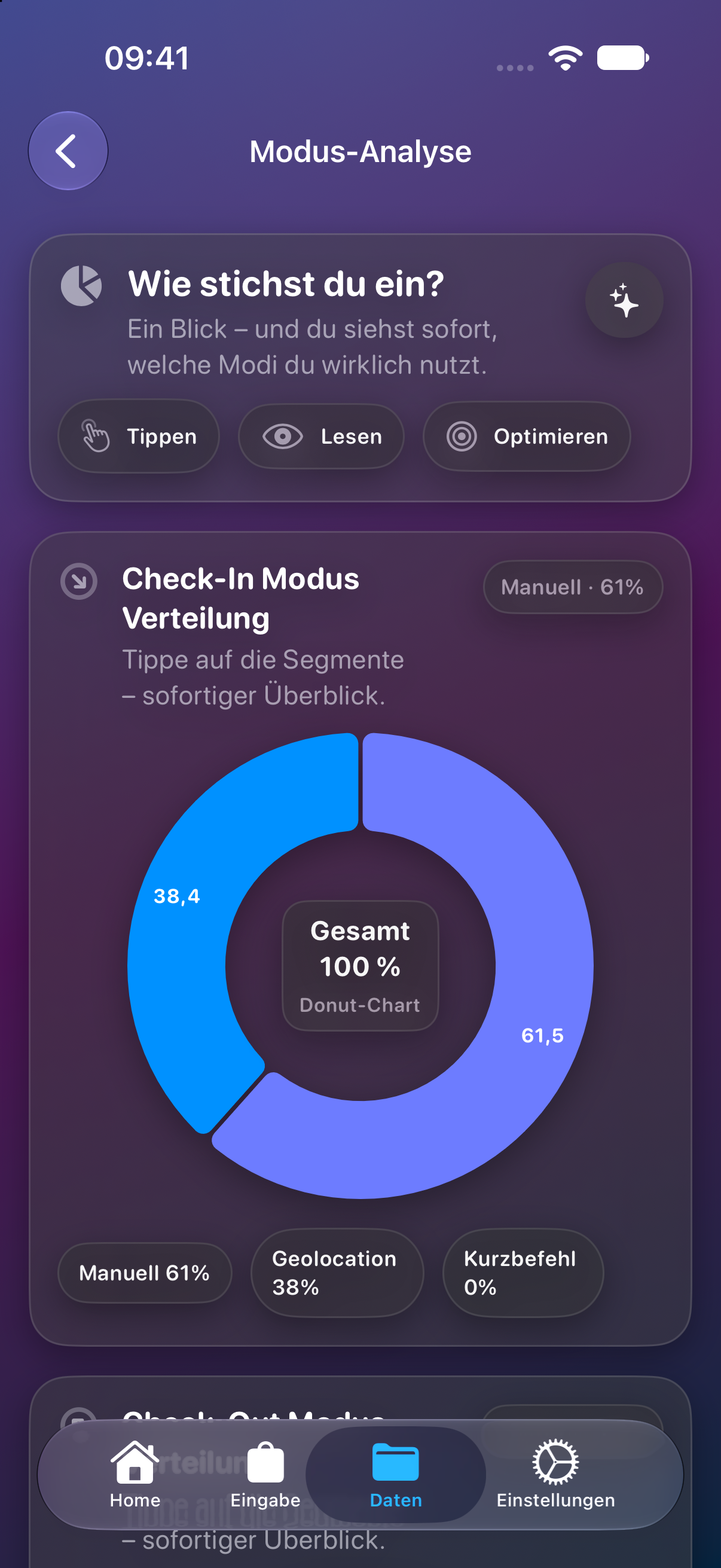
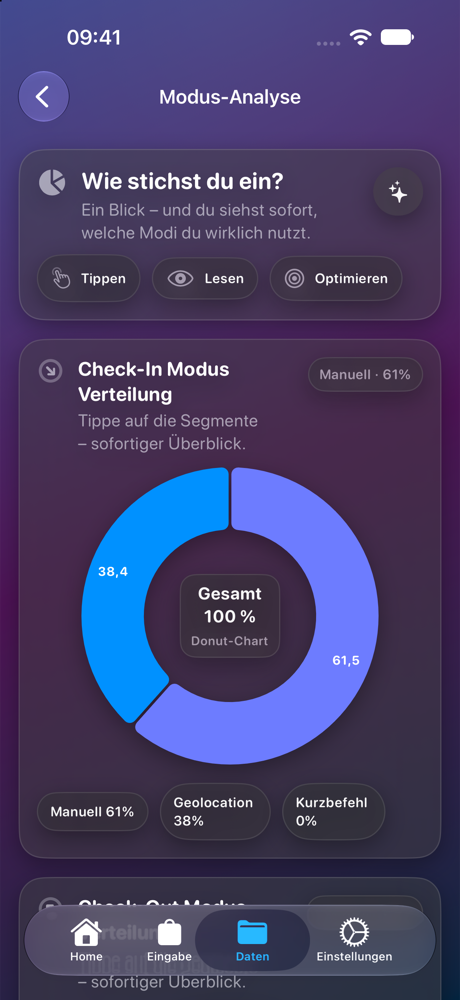 Clock-in method analysis
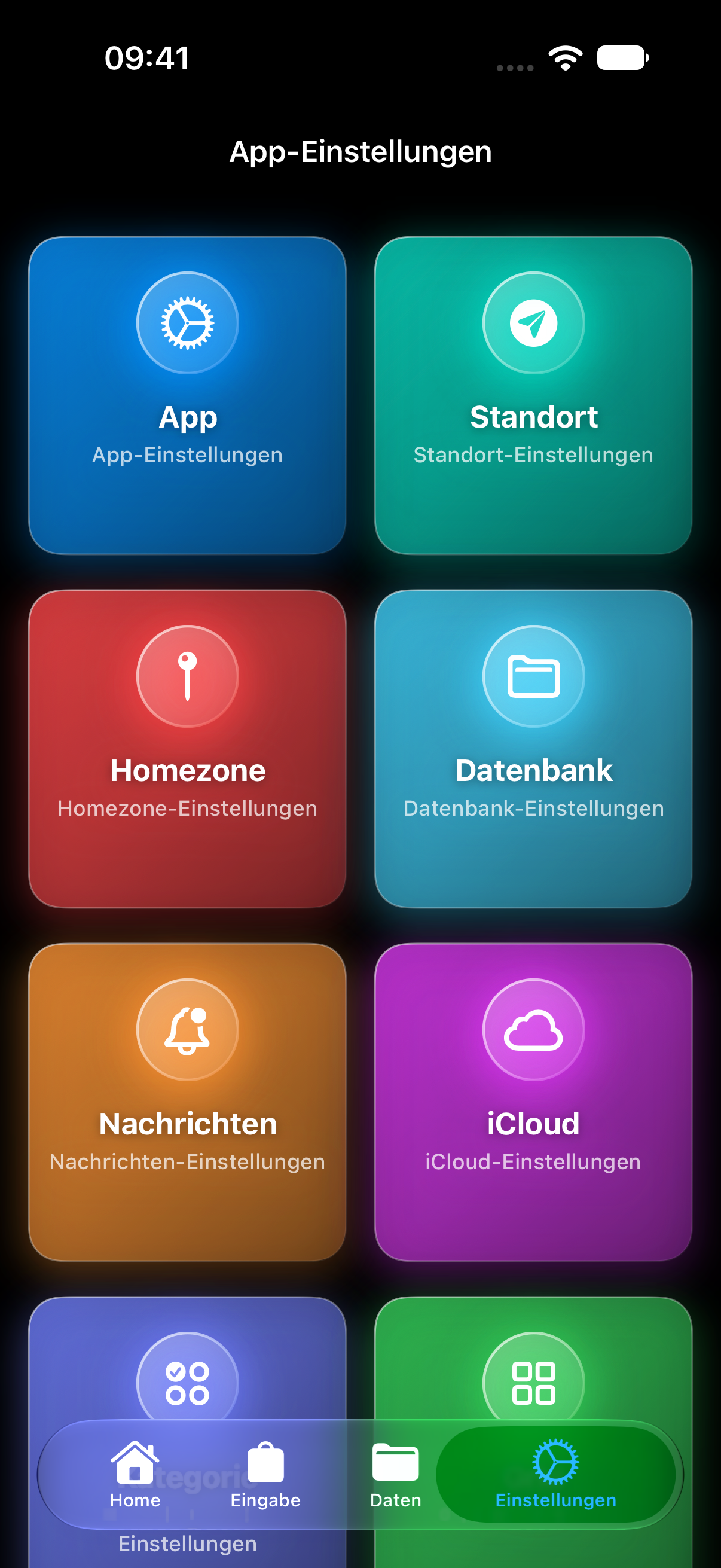
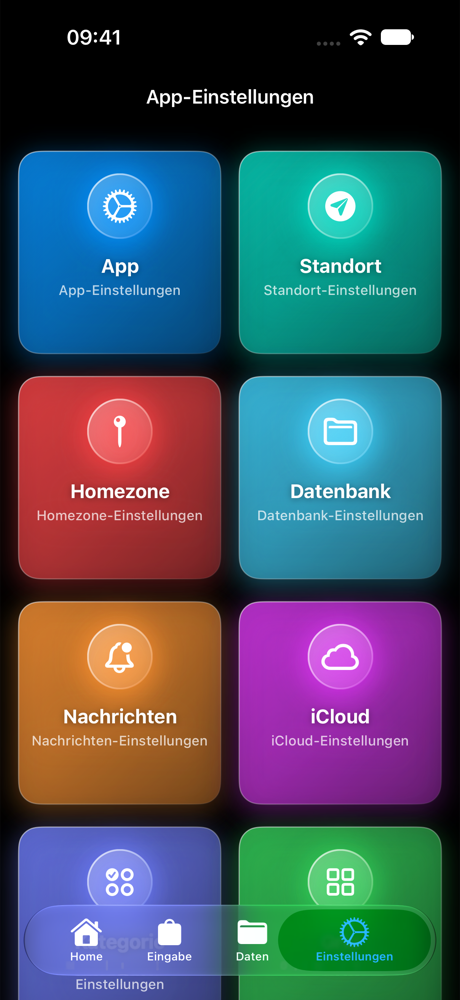 App settings
Setup and permissions
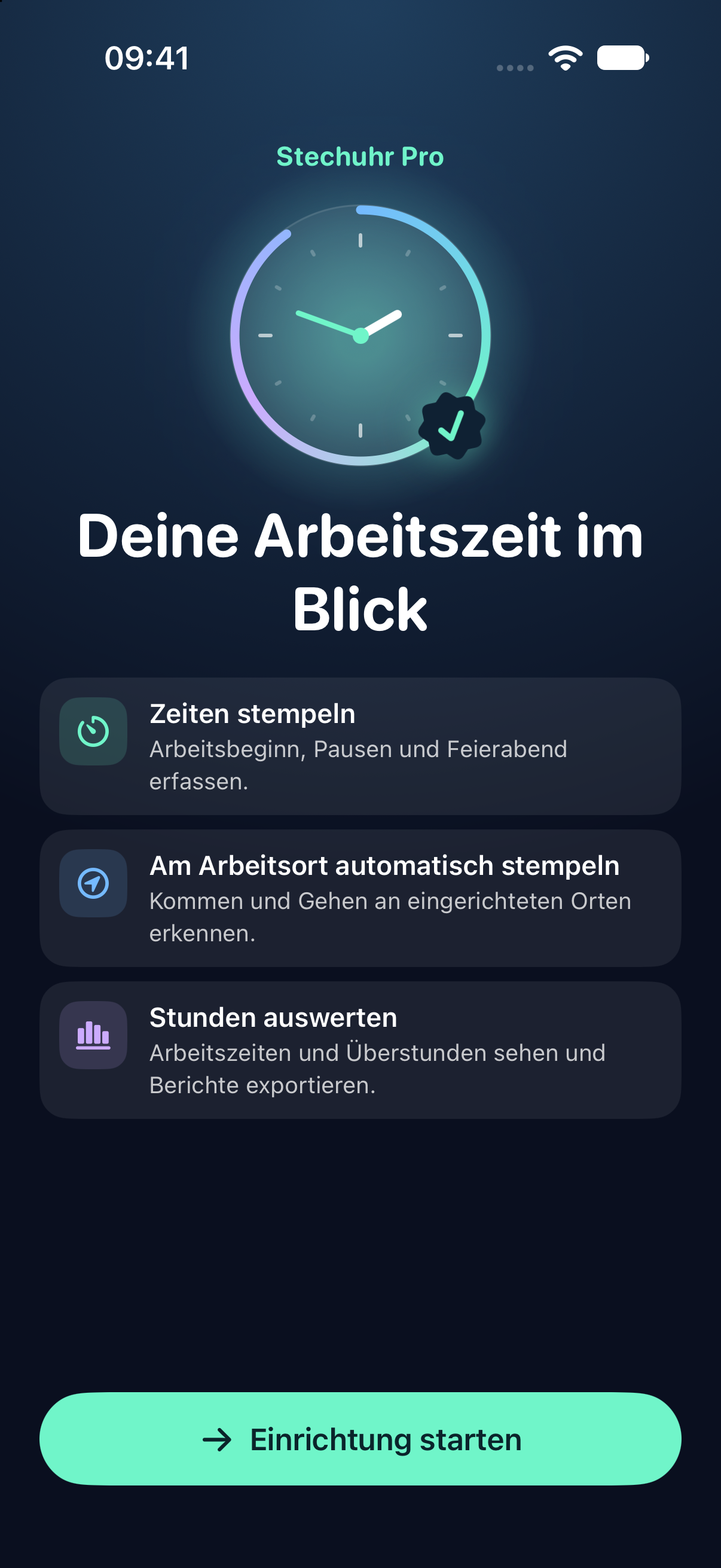
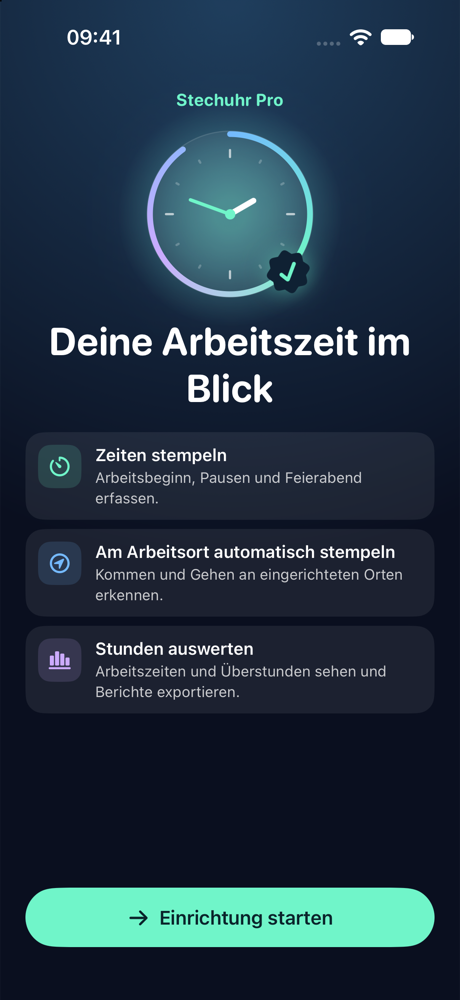 Setup
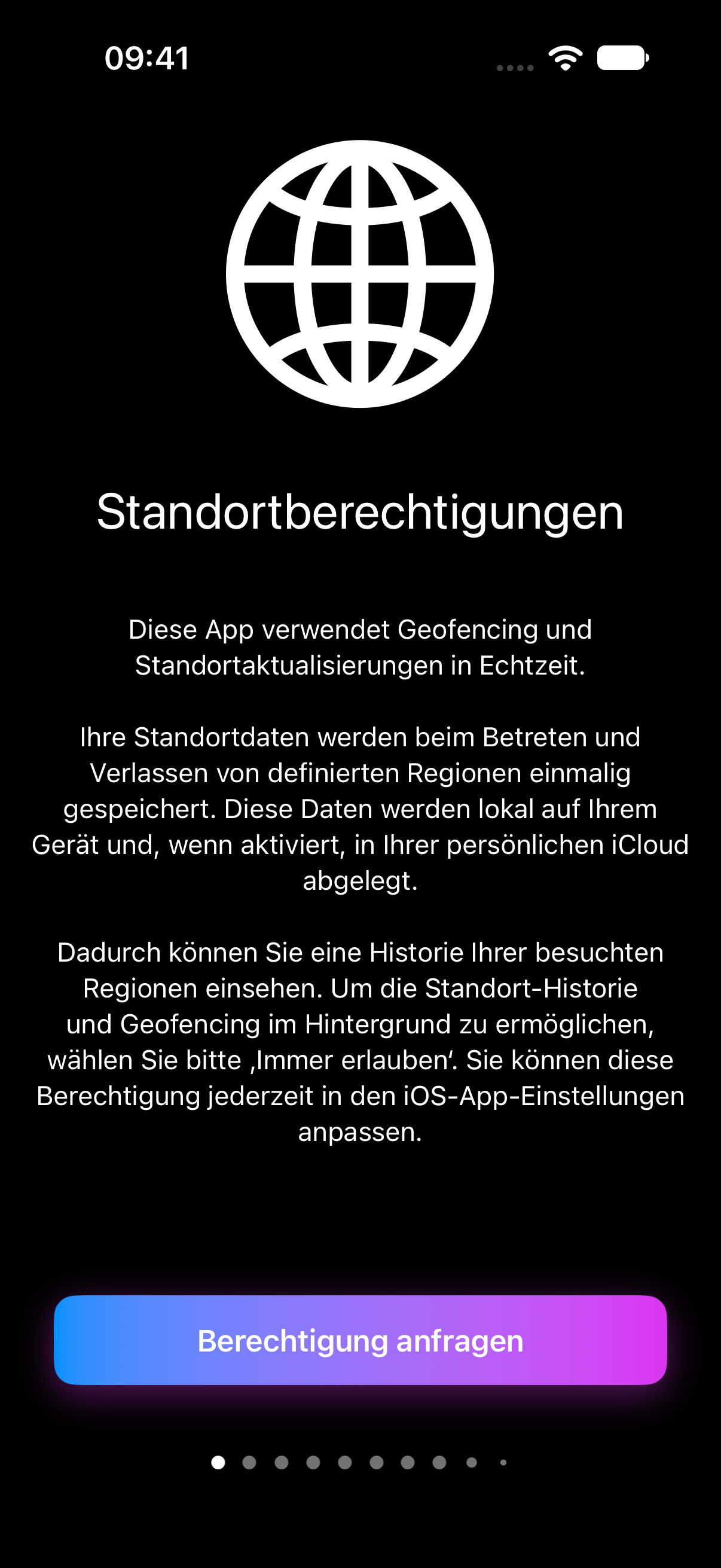
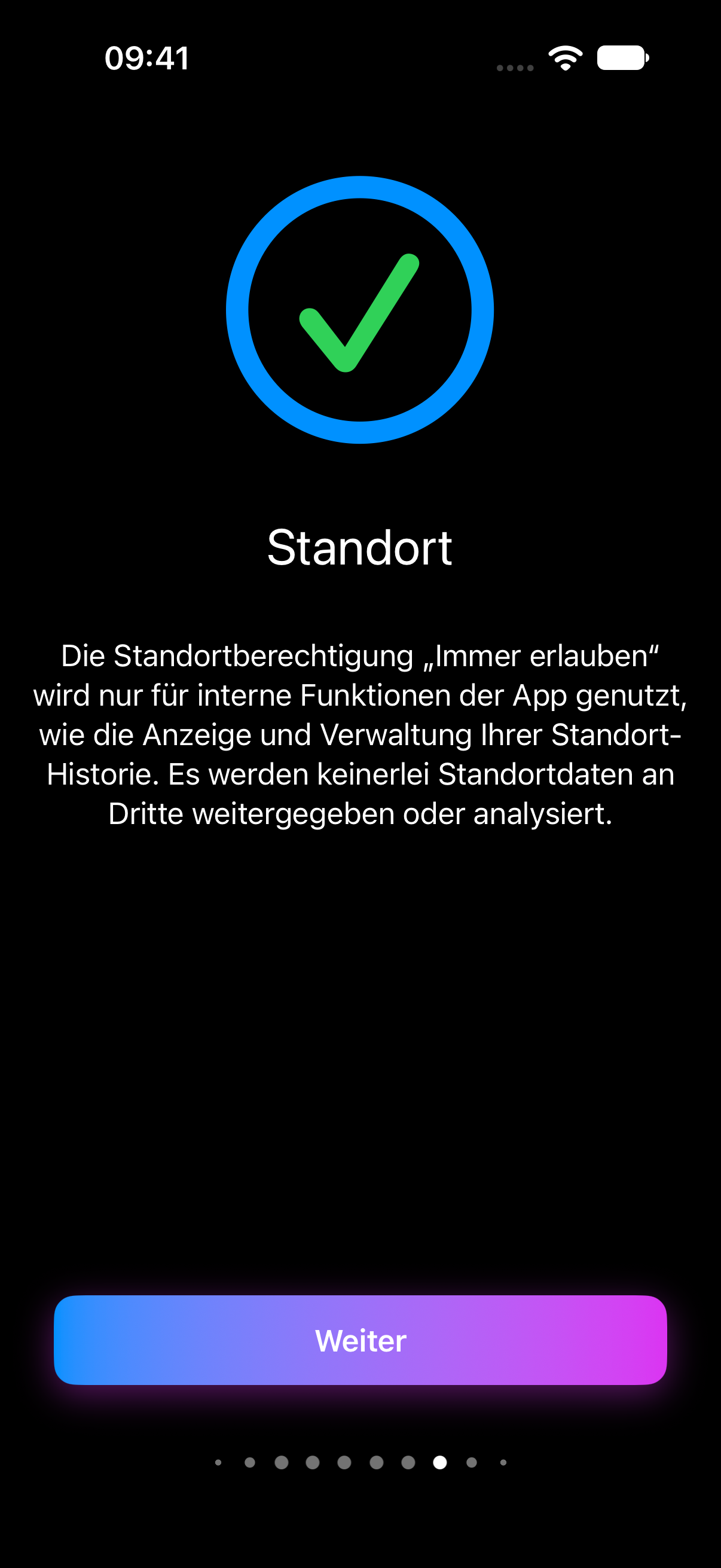
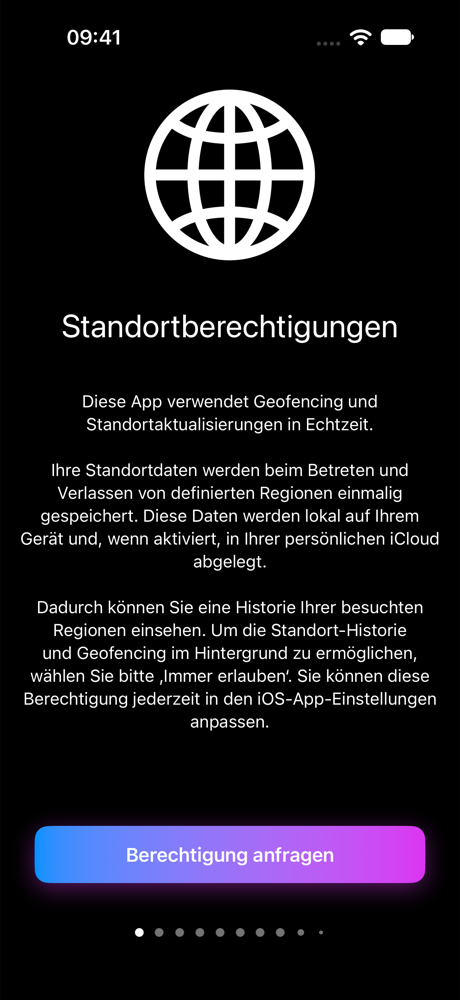 Location permissions
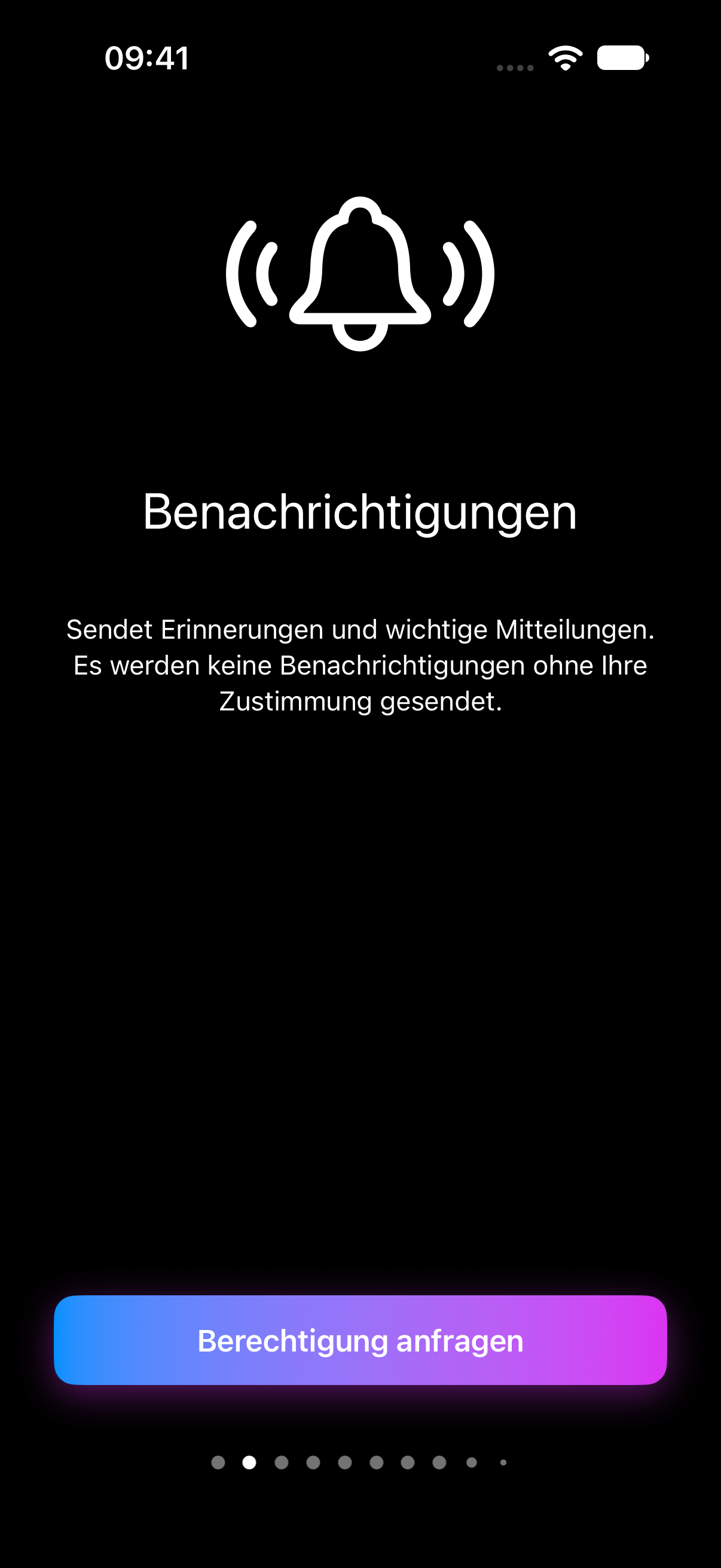
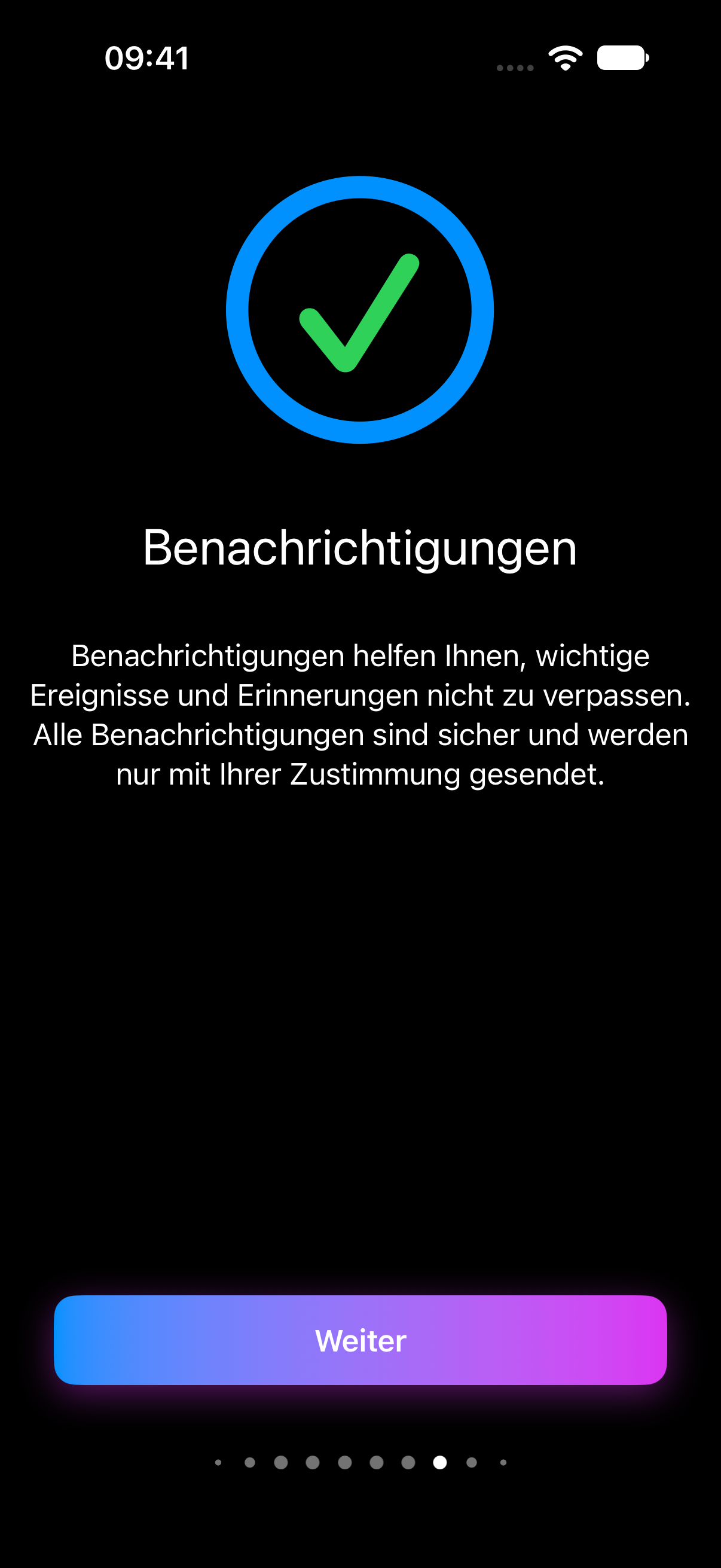
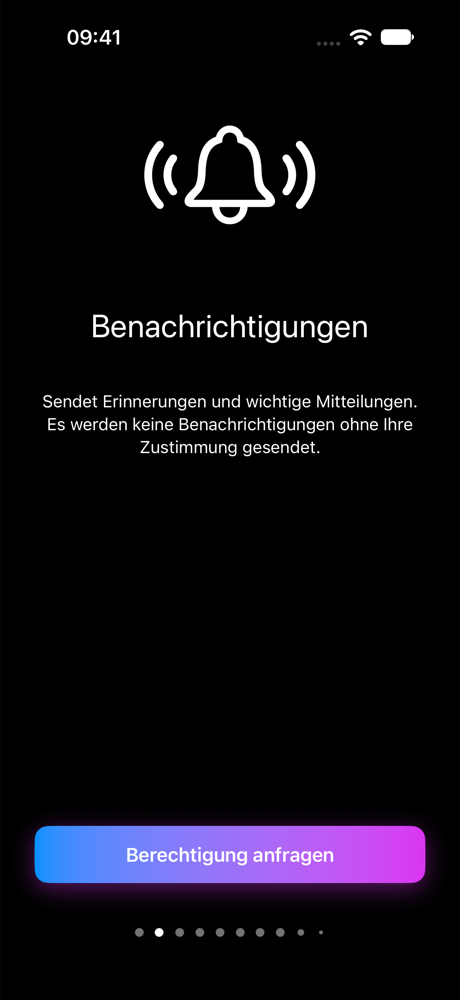 Notifications
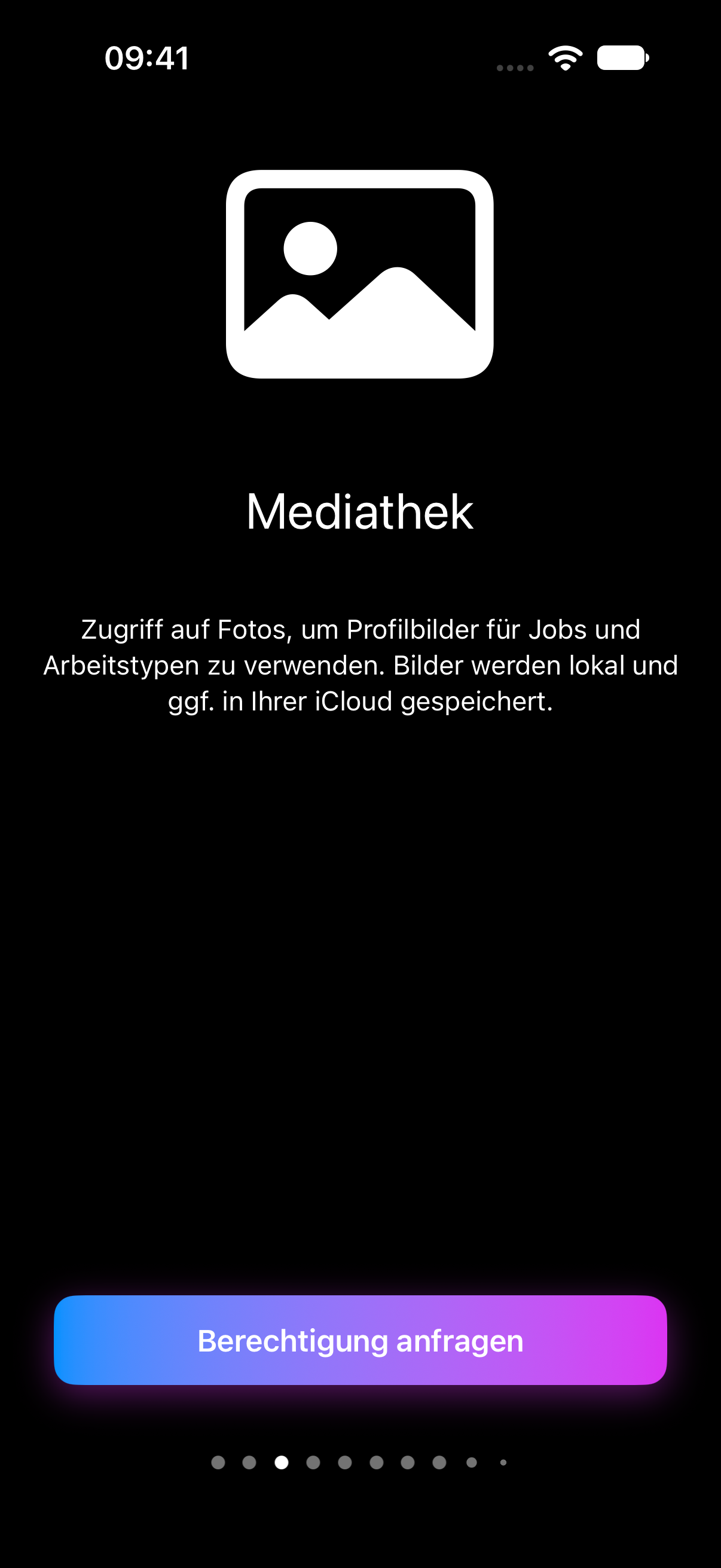
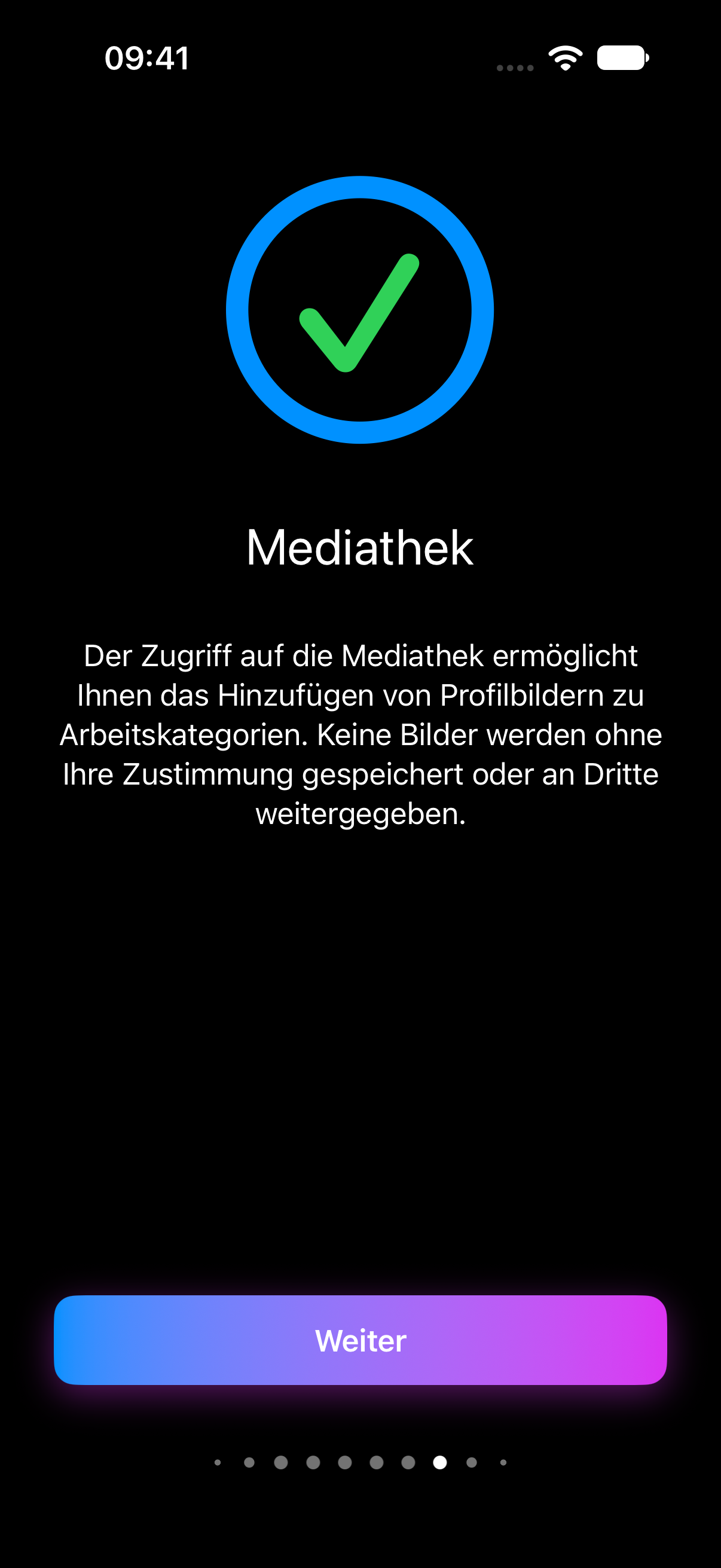
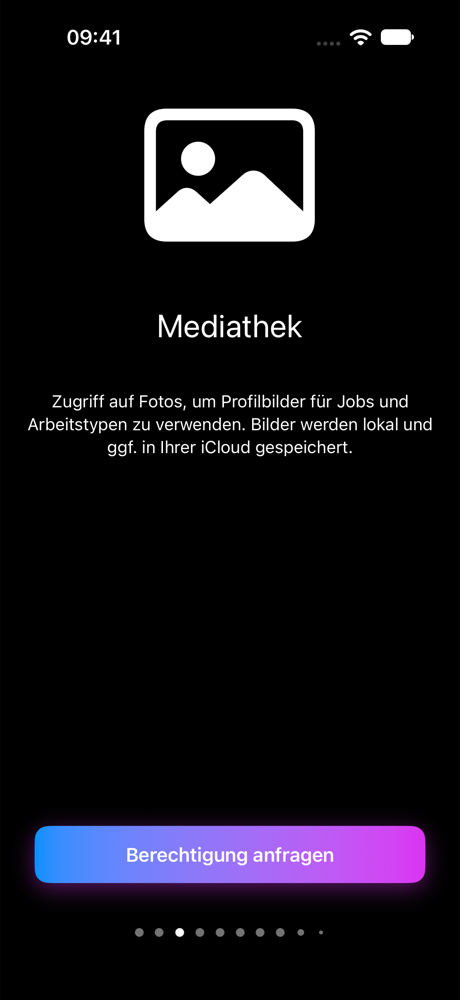 Photo library
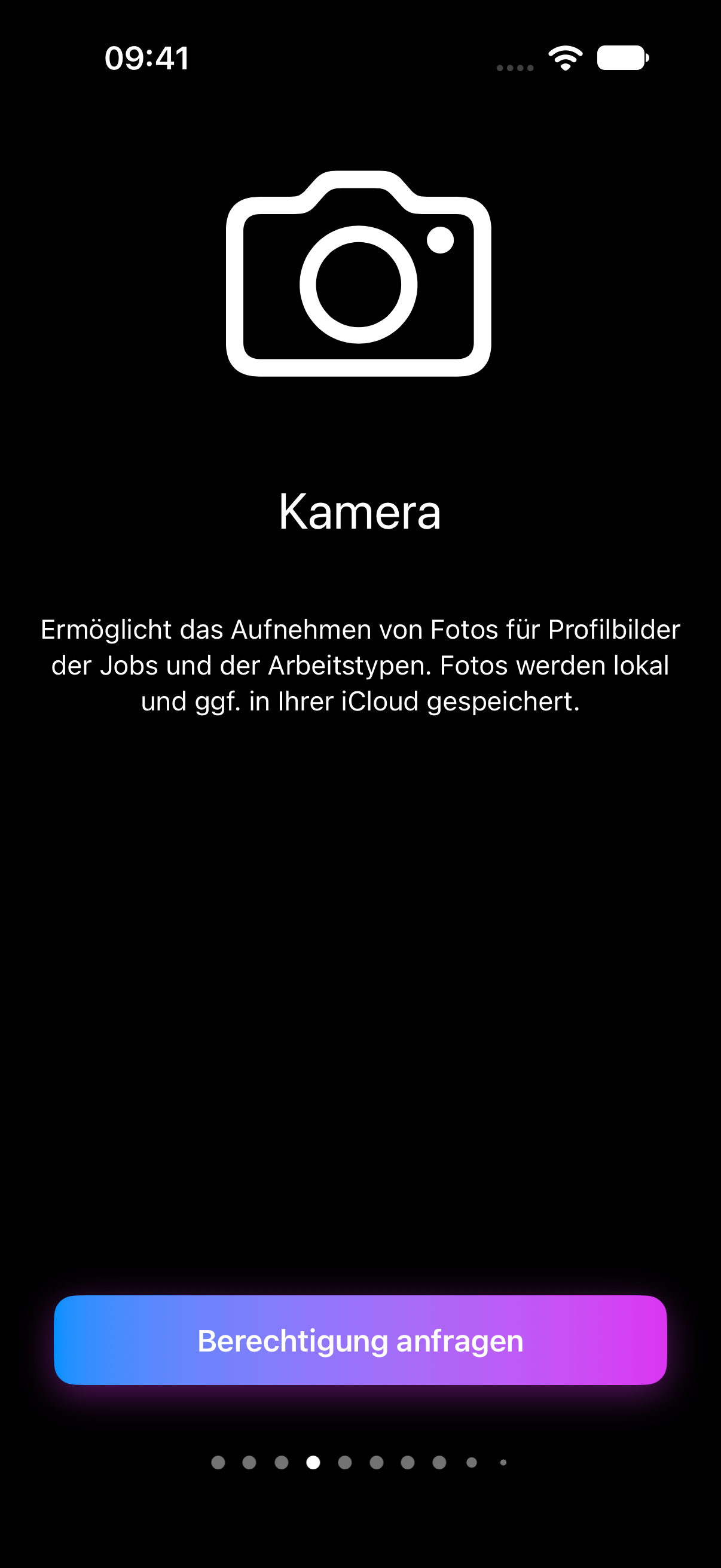
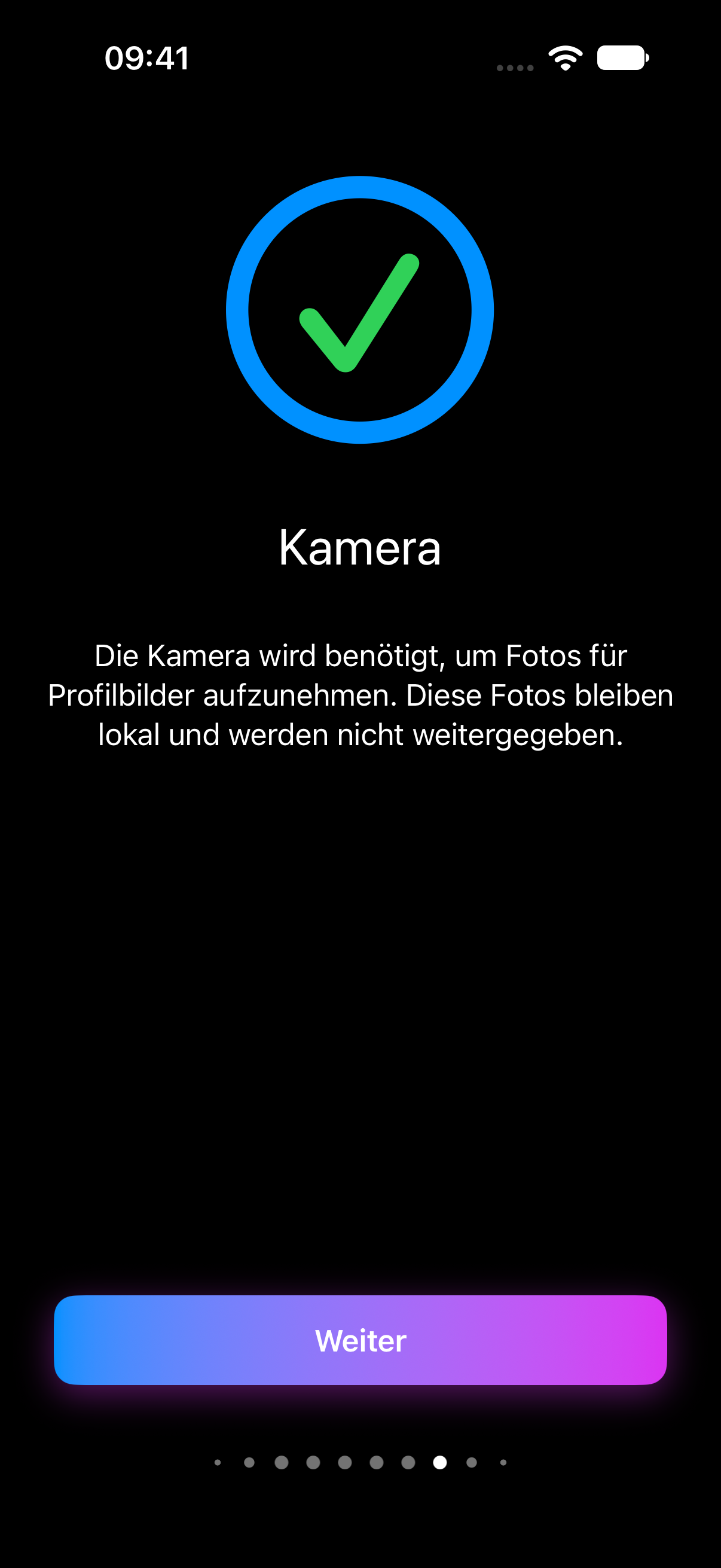
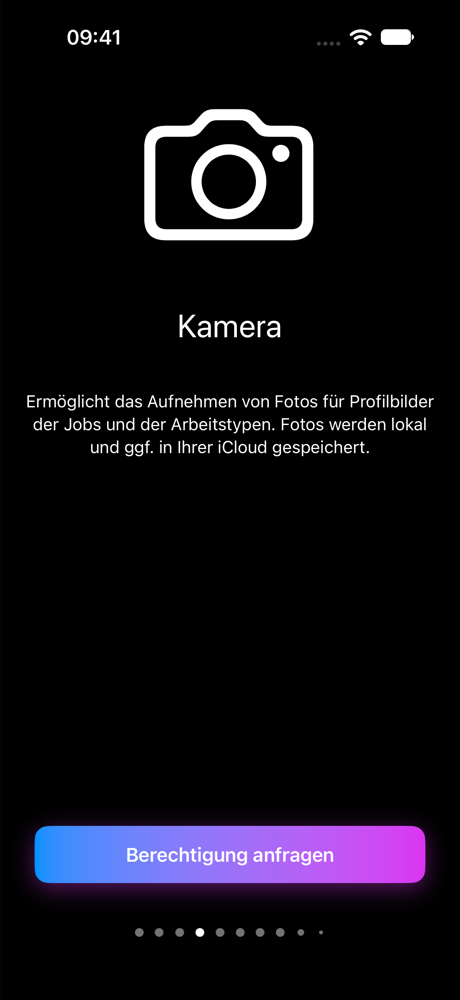 Camera
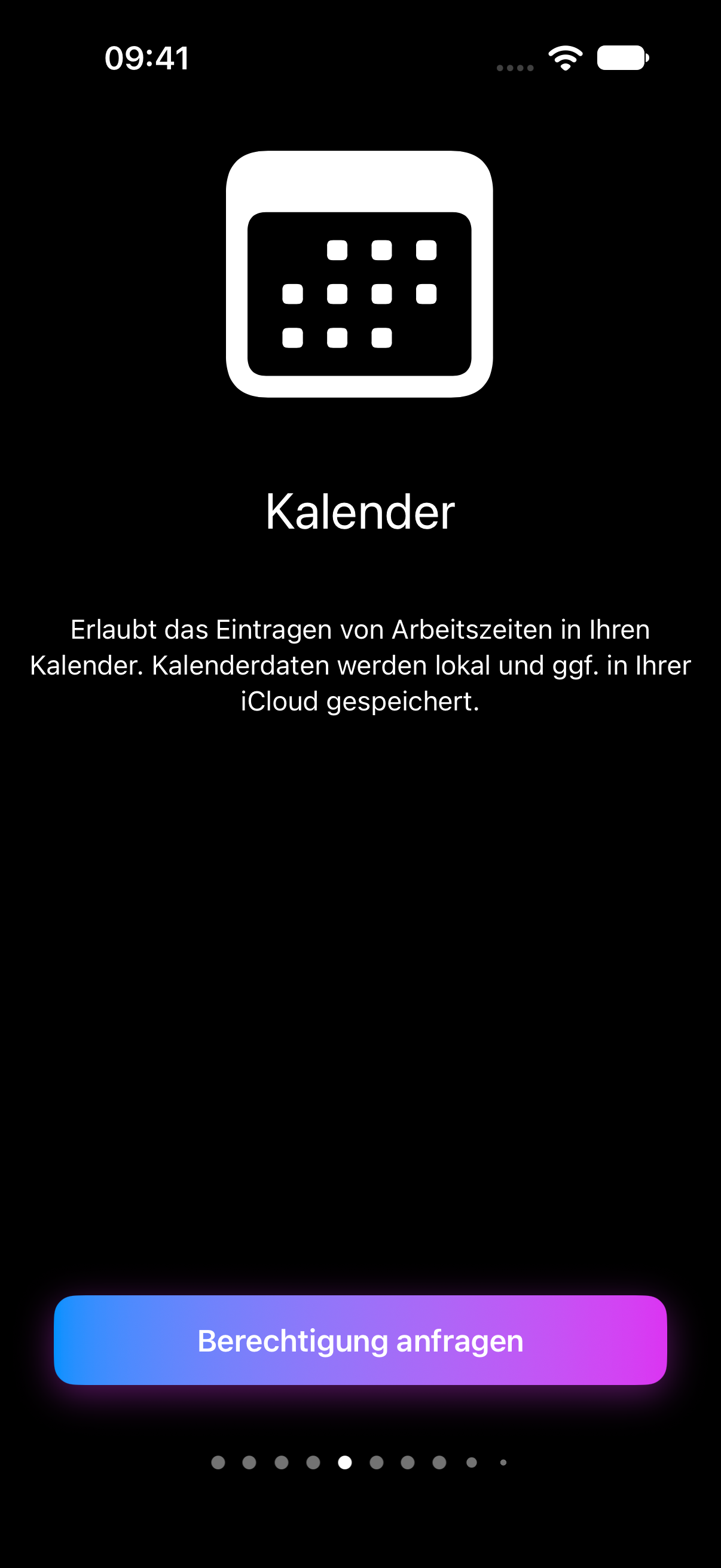
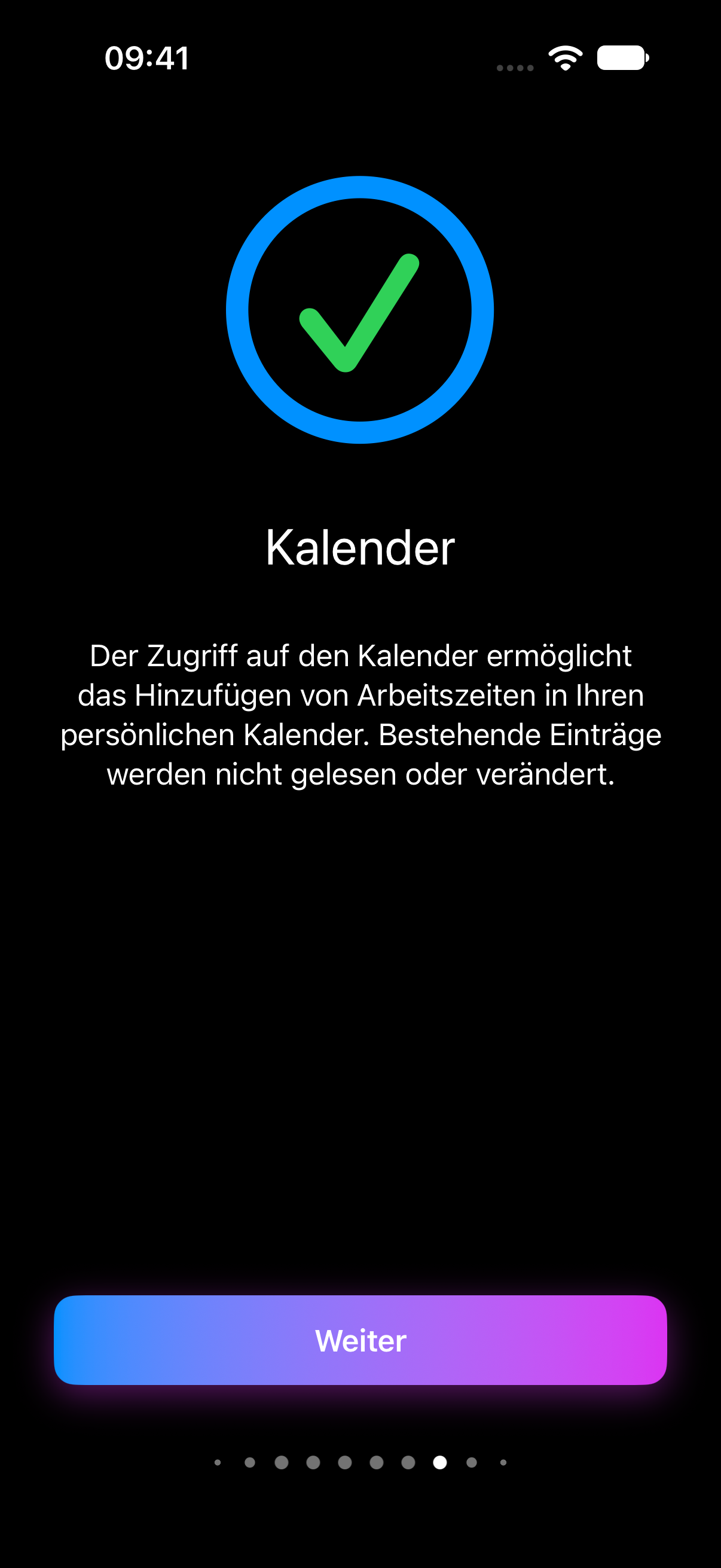
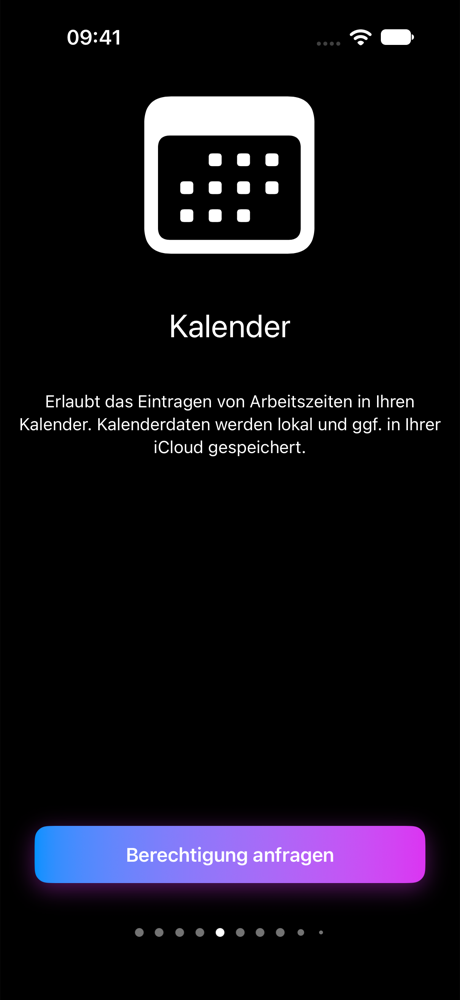 Calendar
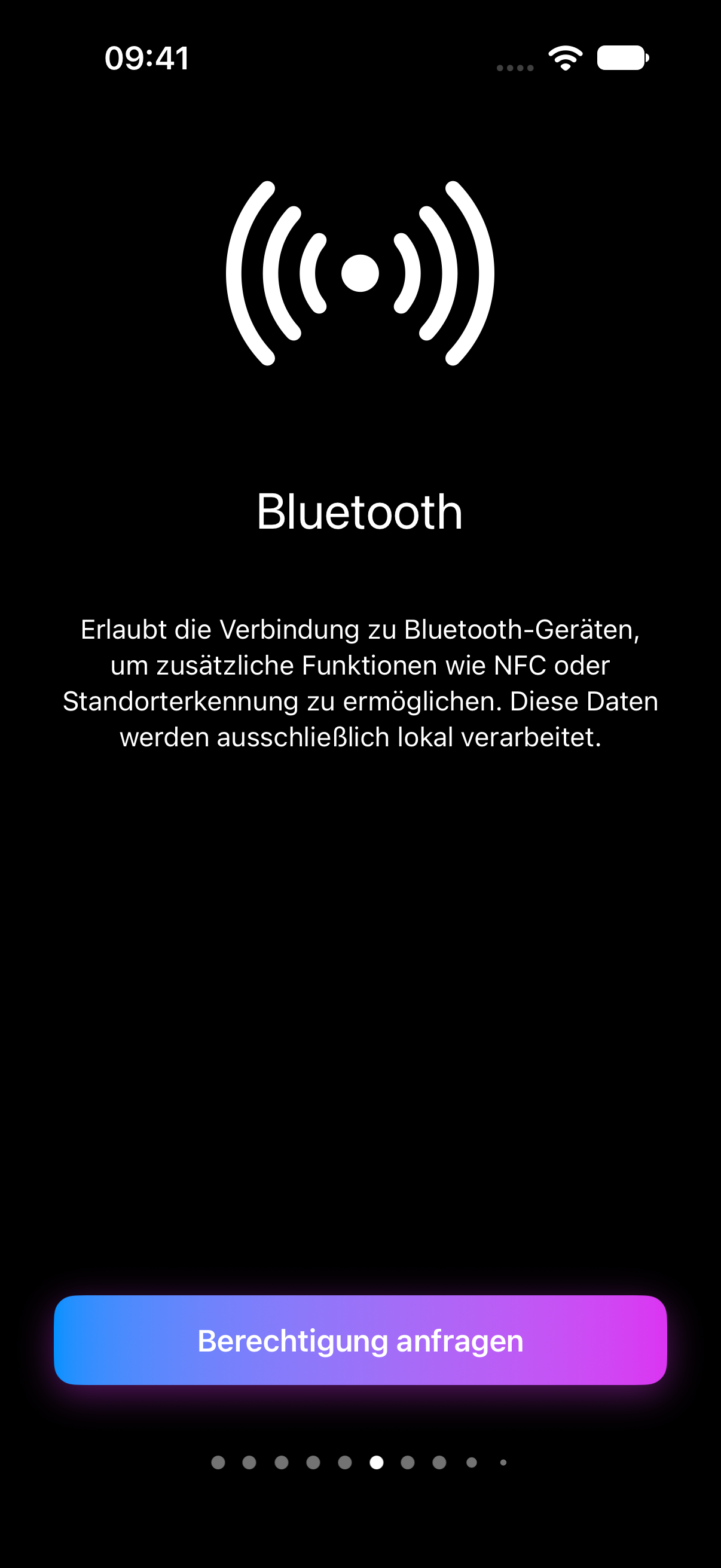
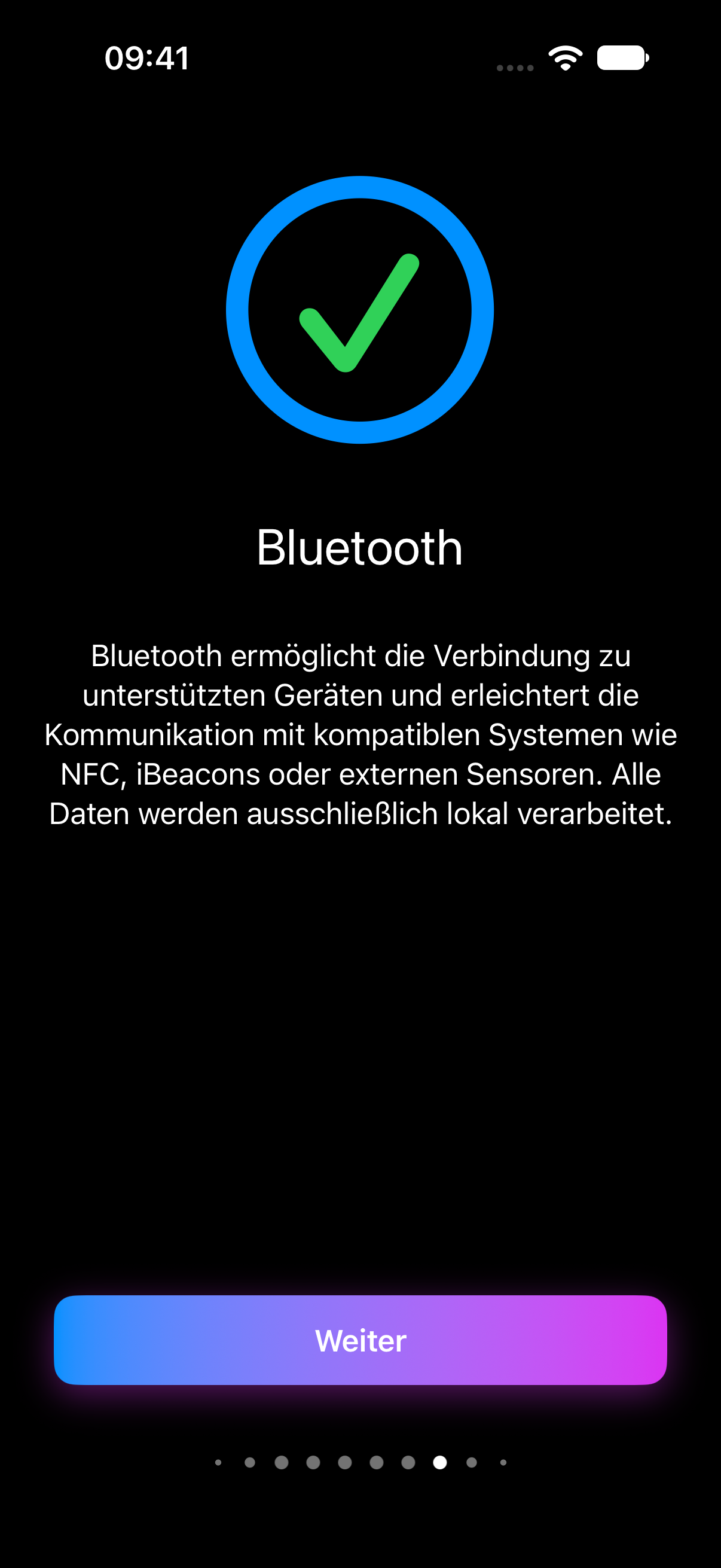
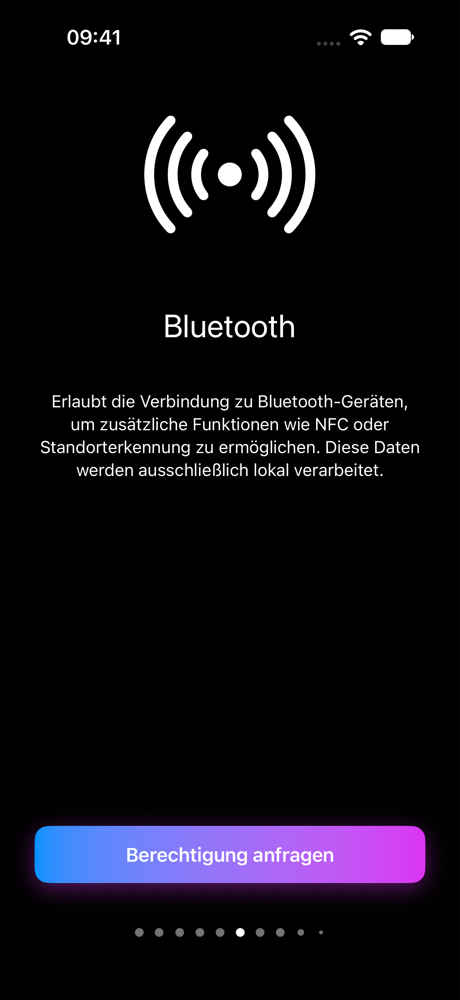 Bluetooth
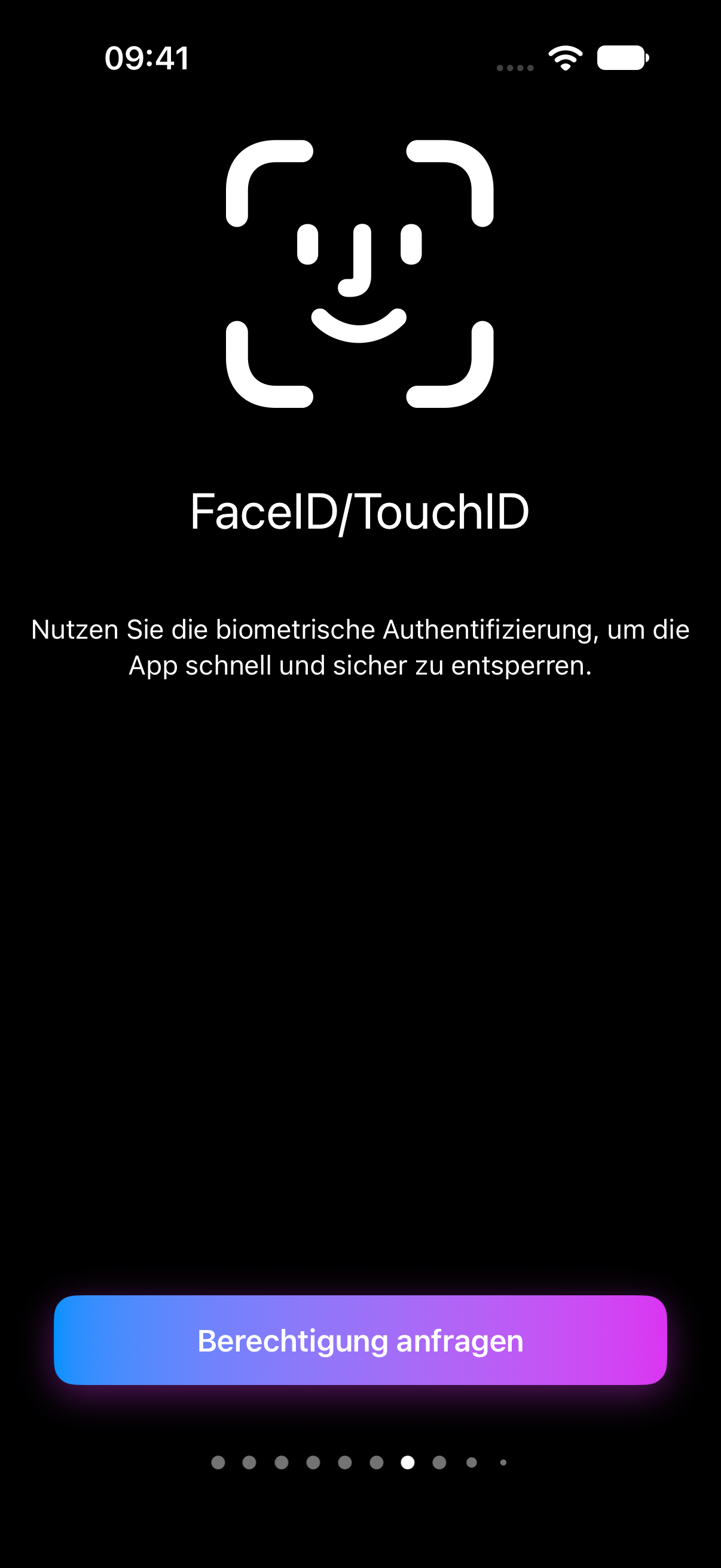
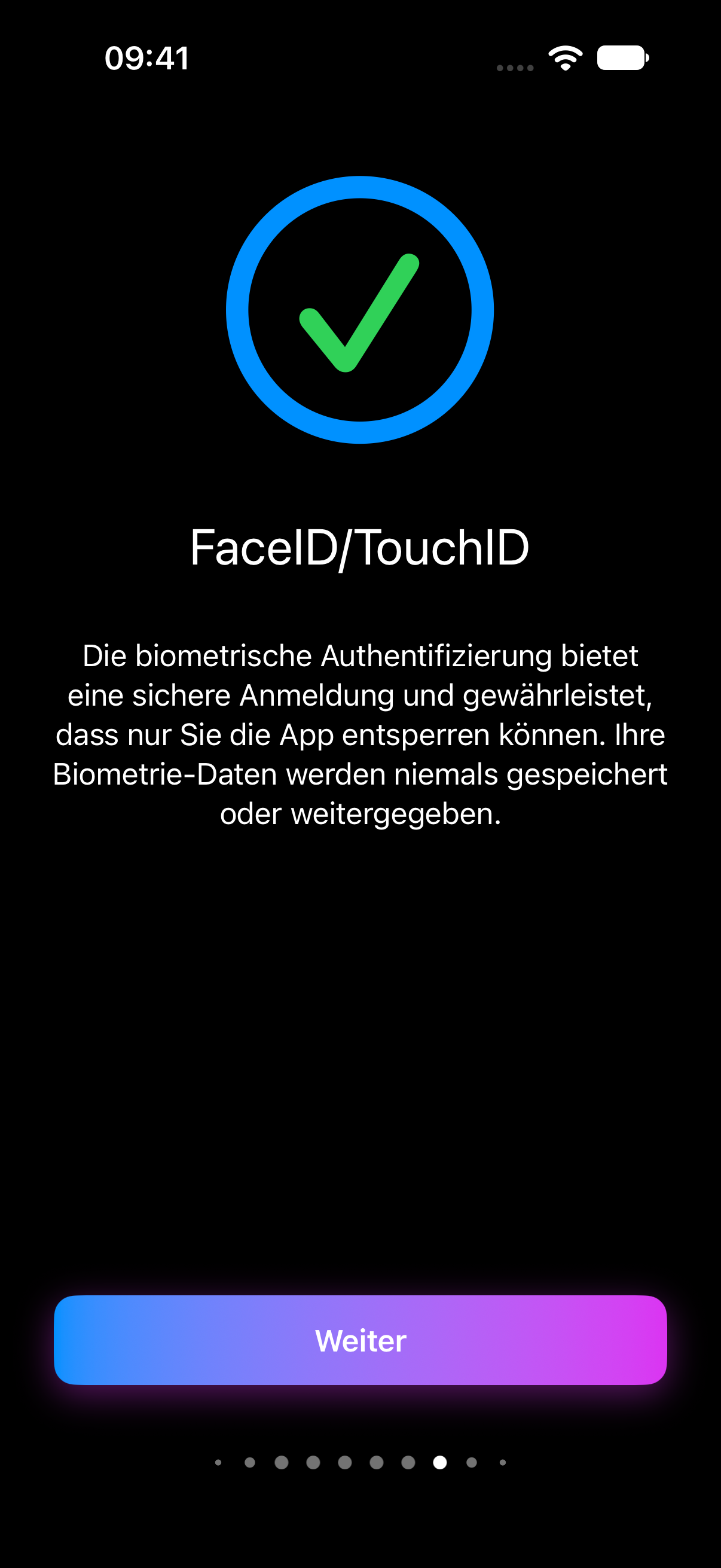
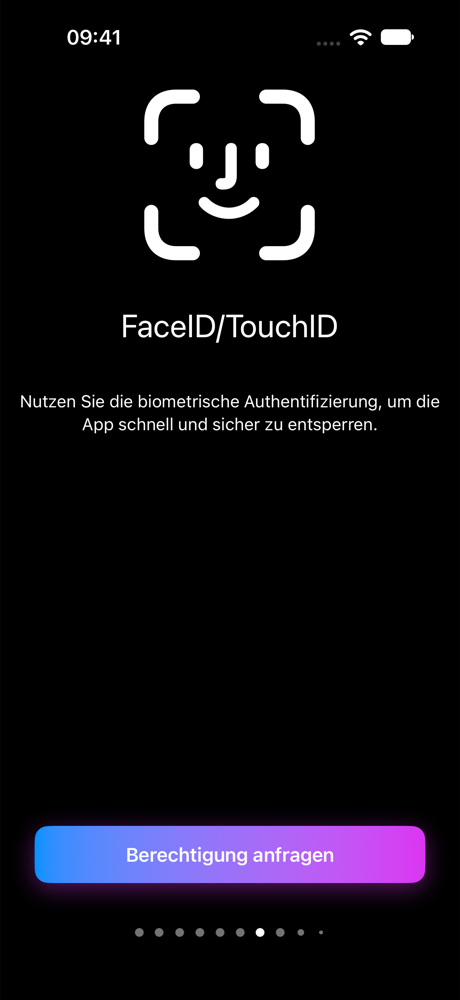 Face ID and Touch ID
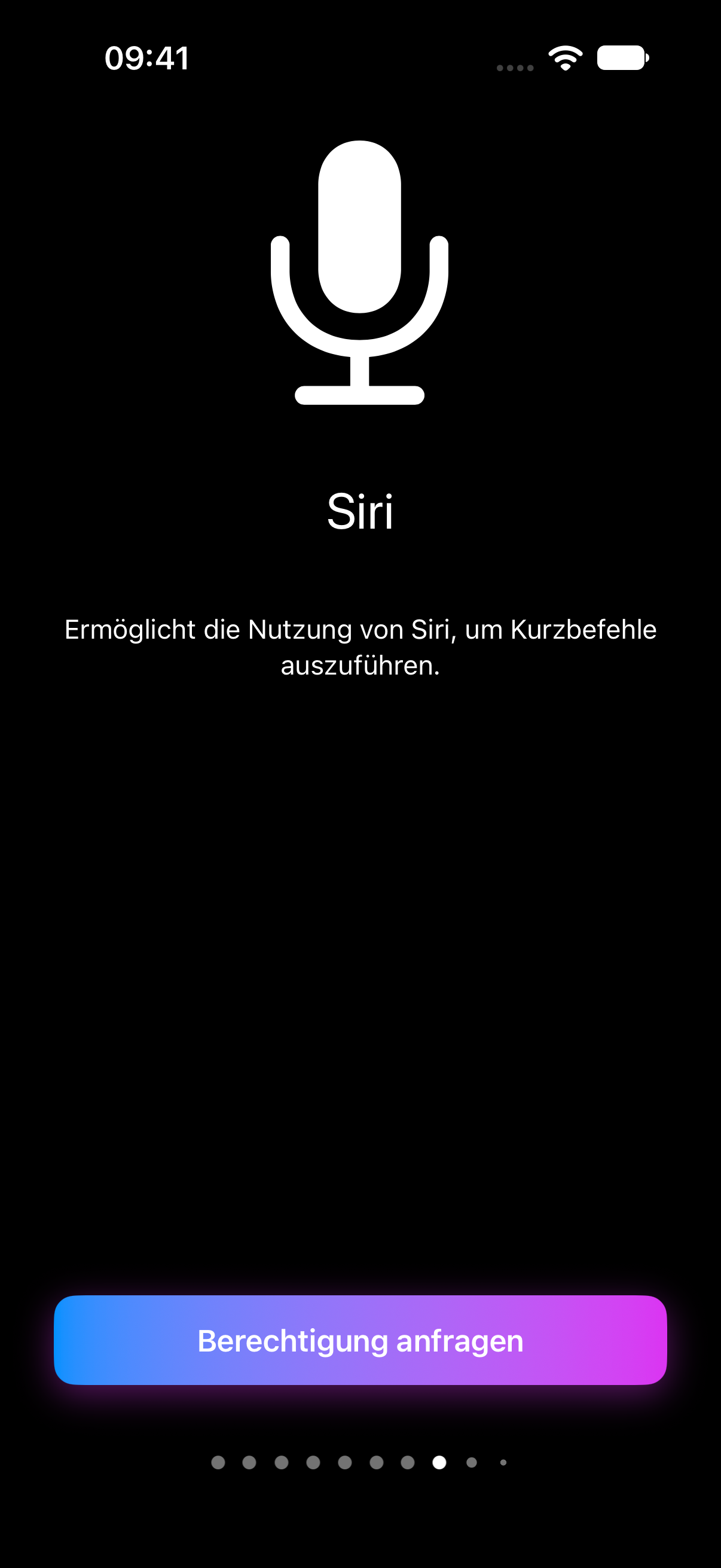
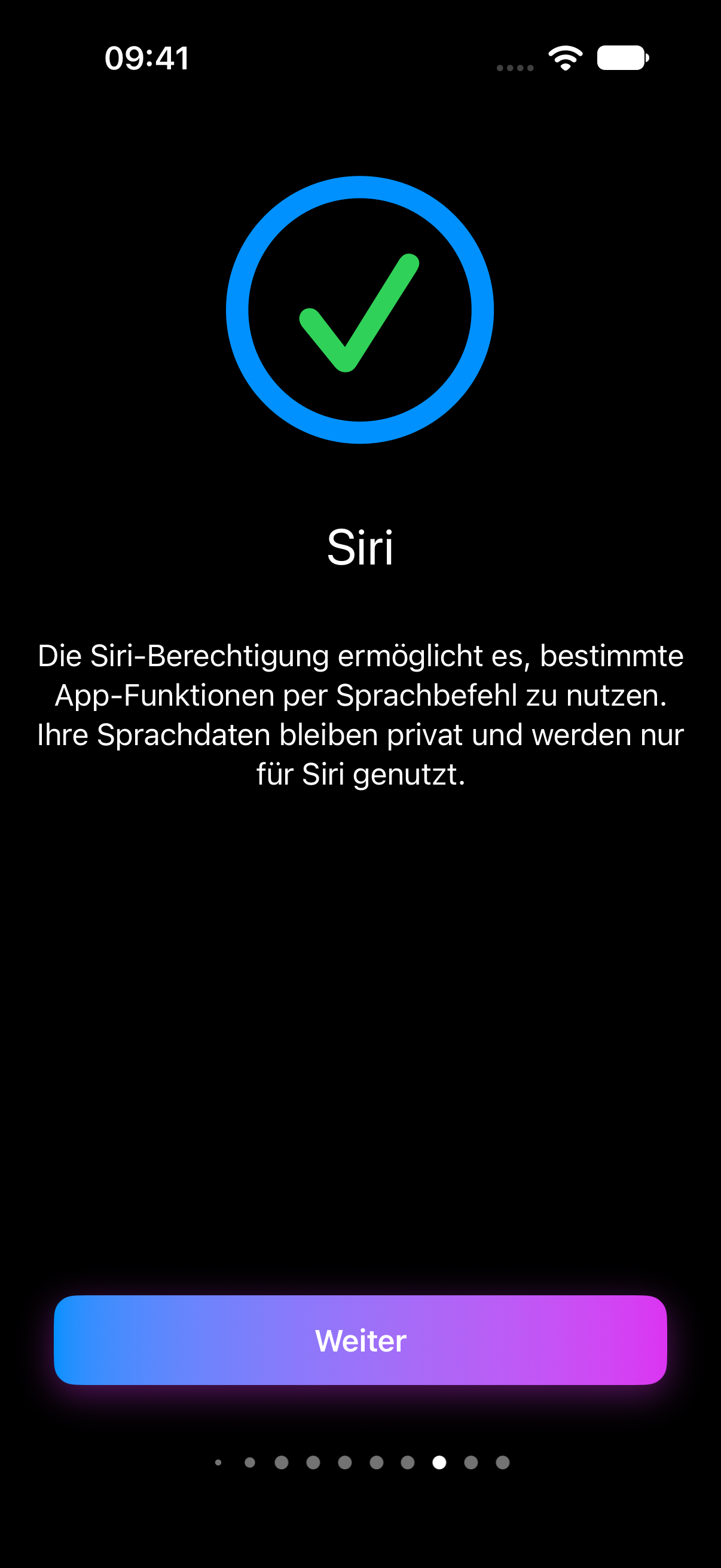
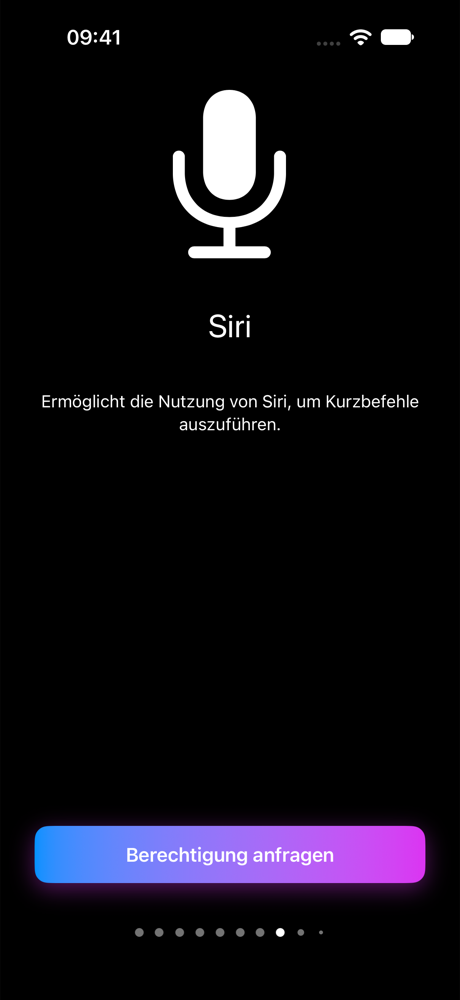 Siri
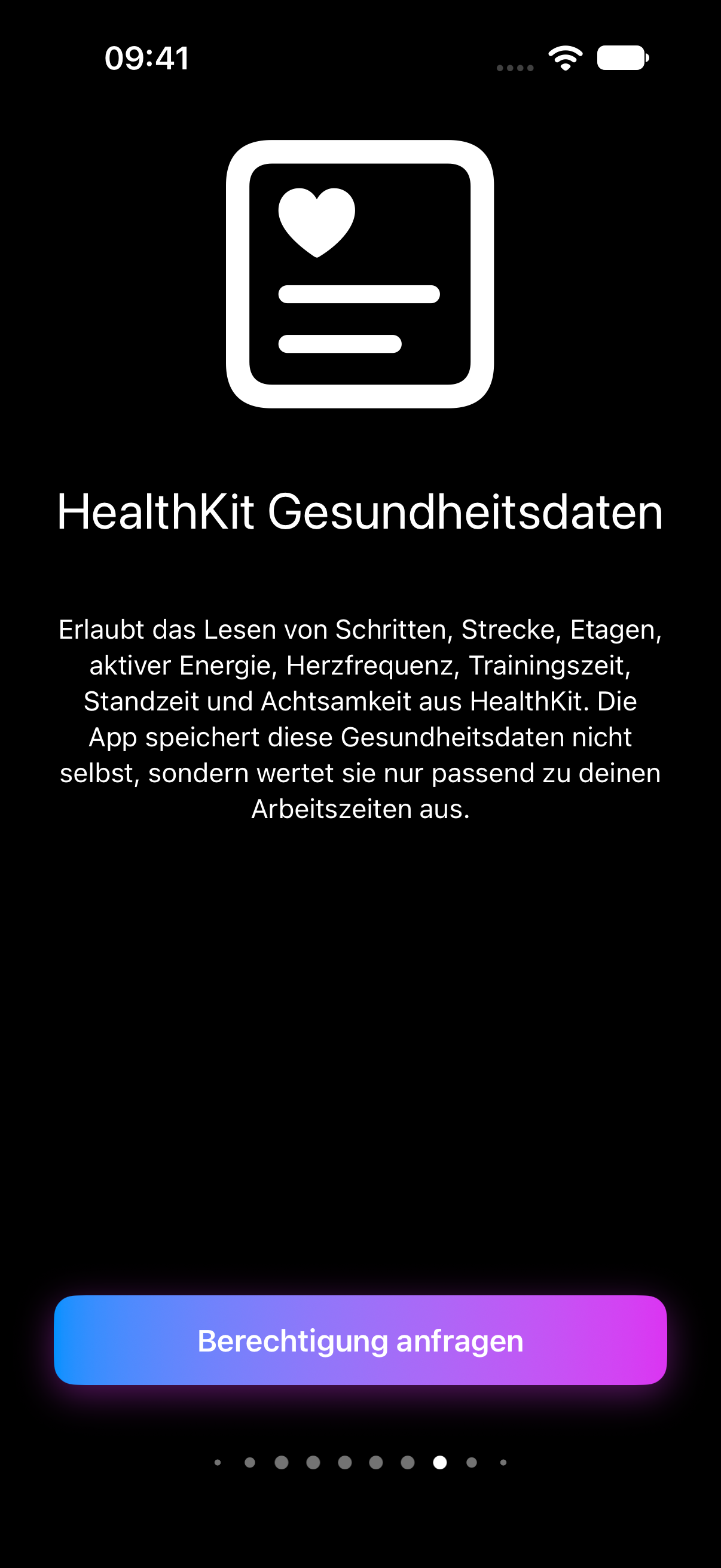
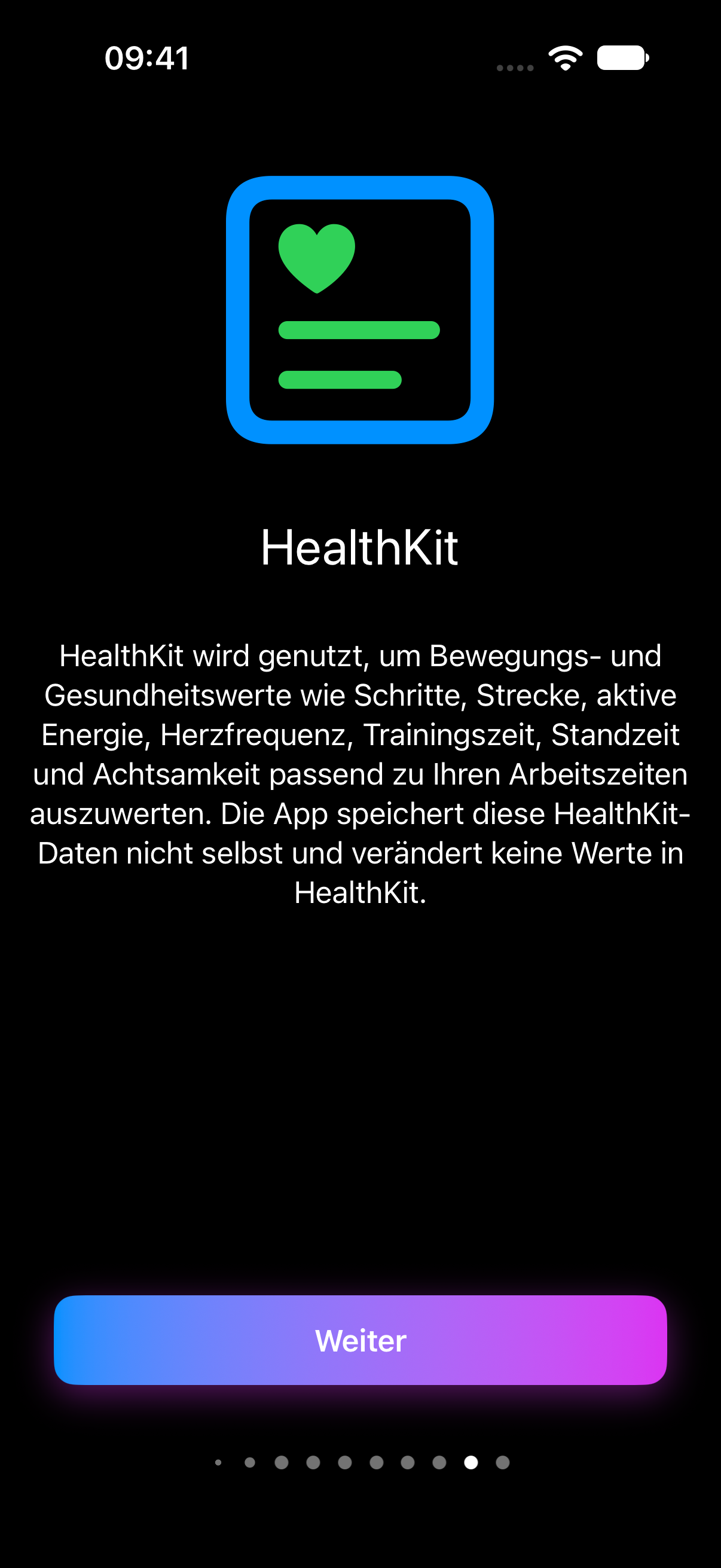
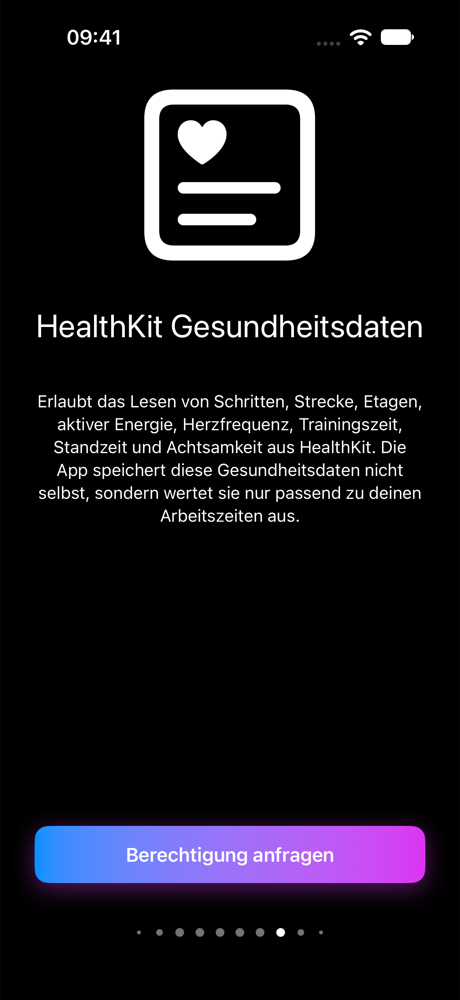 HealthKit health data
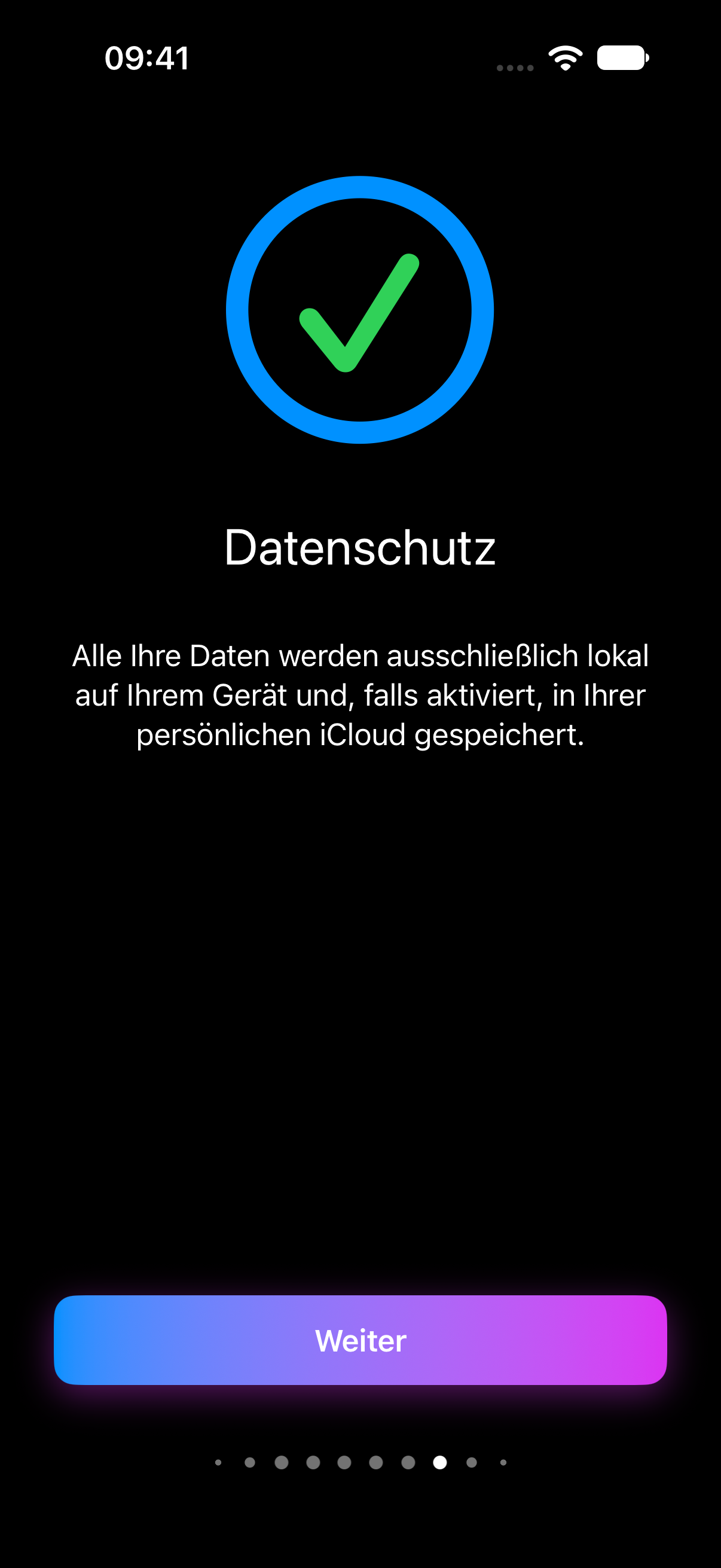
 Privacy
 Location privacy notice
 Notifications privacy notice
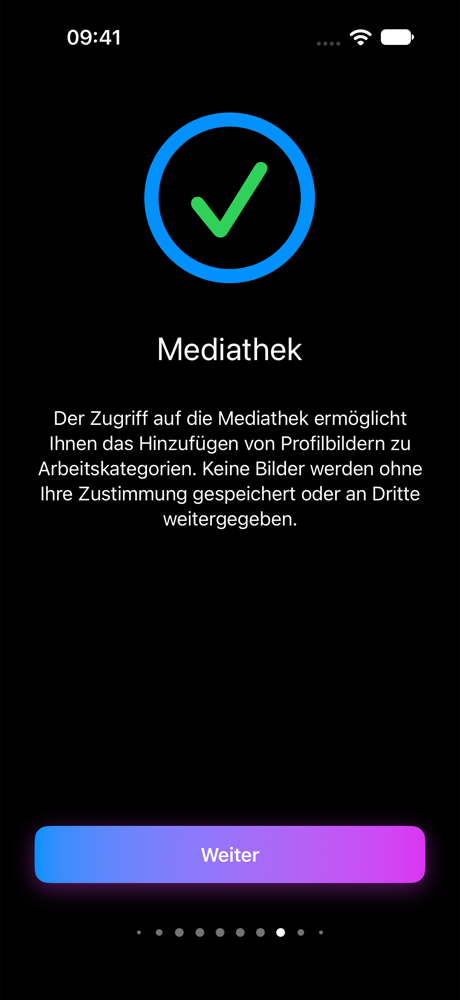 Photo library privacy notice
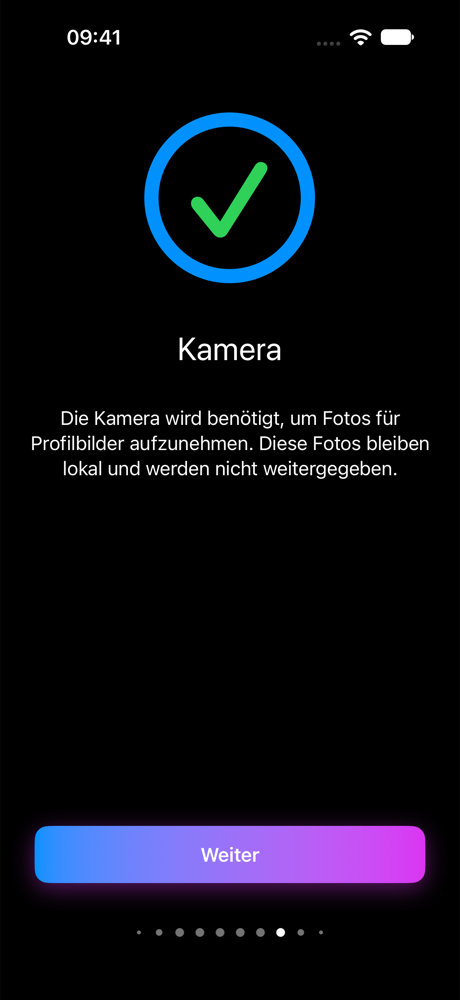 Camera privacy notice
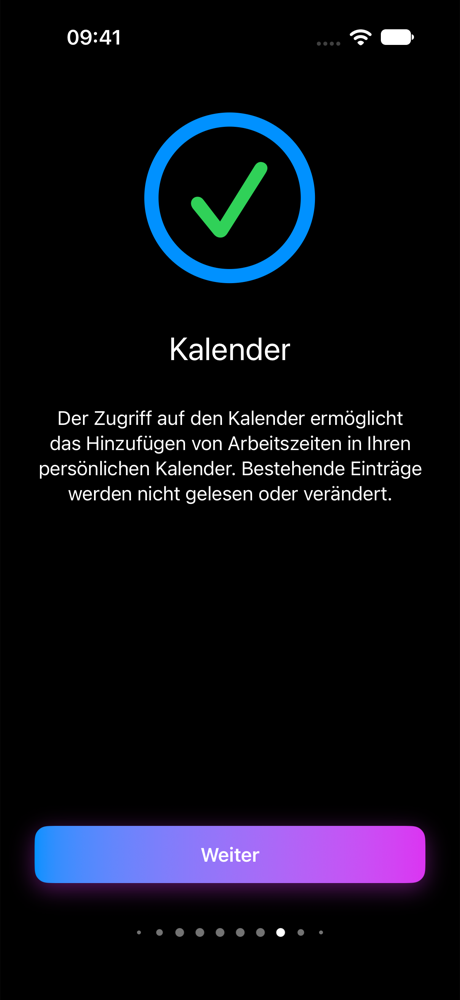 Calendar privacy notice
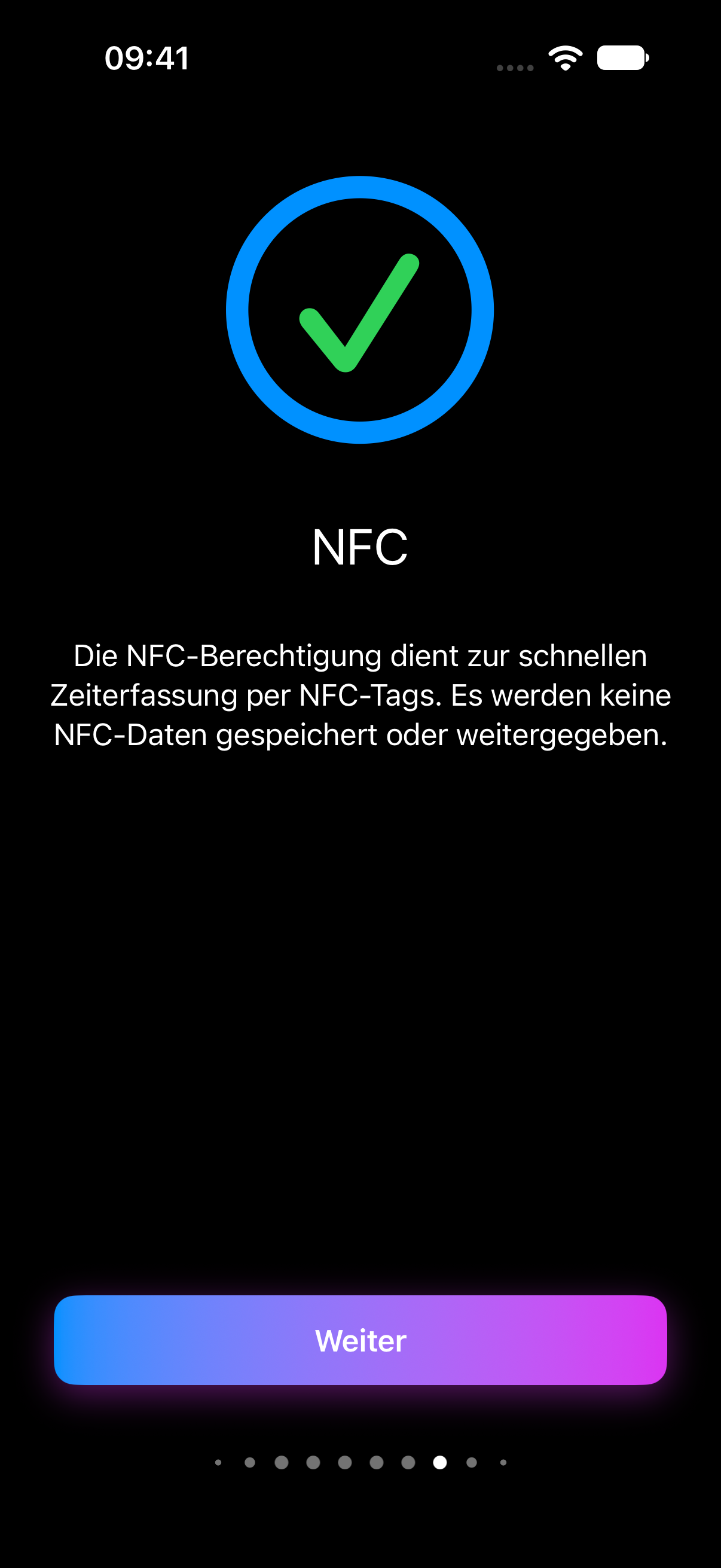
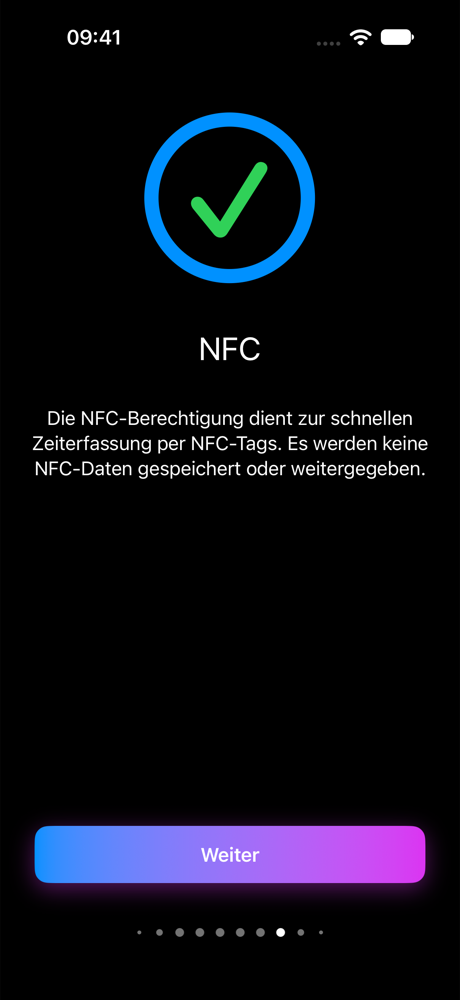 NFC
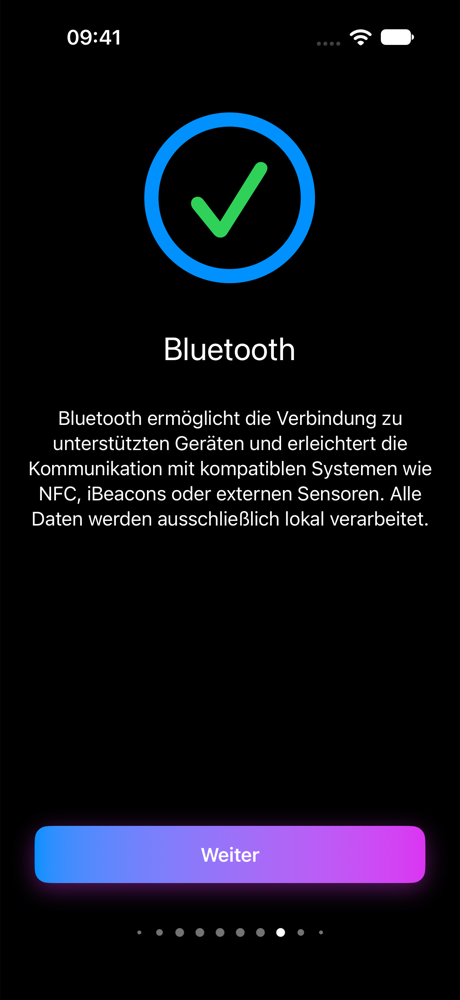 Bluetooth privacy notice
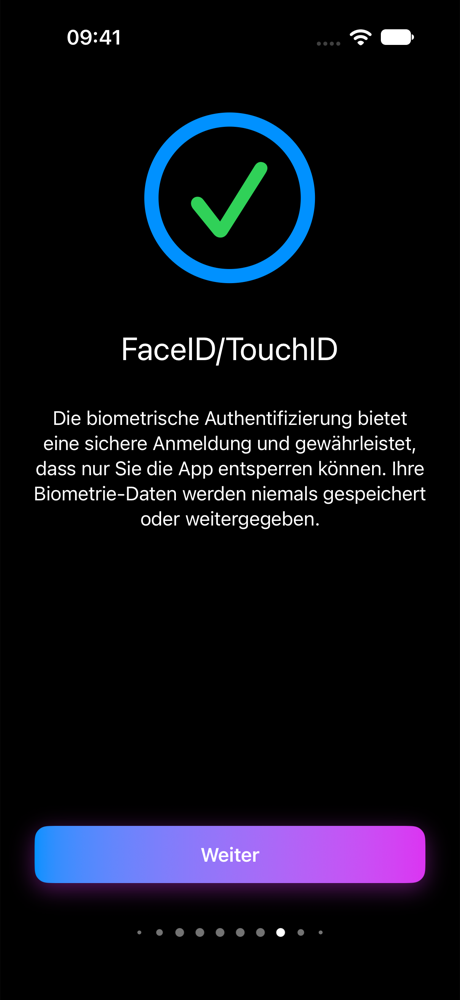 Face ID and Touch ID privacy notice
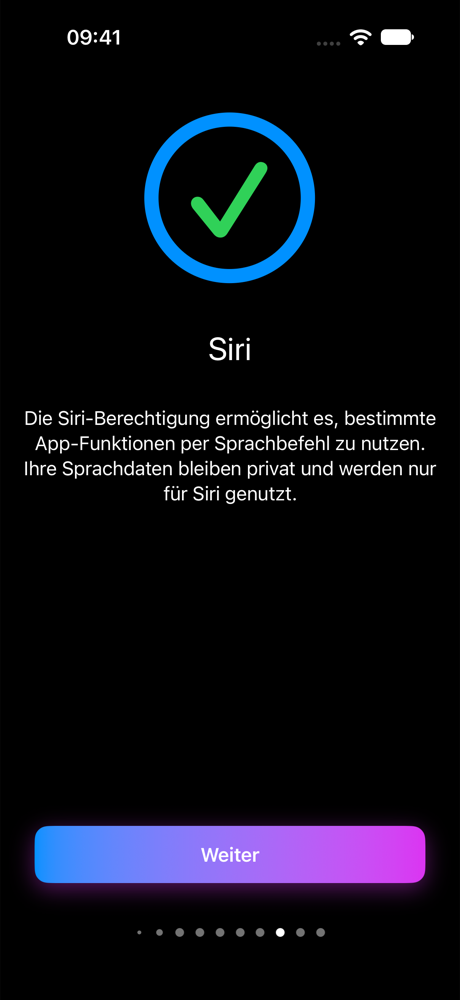 Siri privacy notice
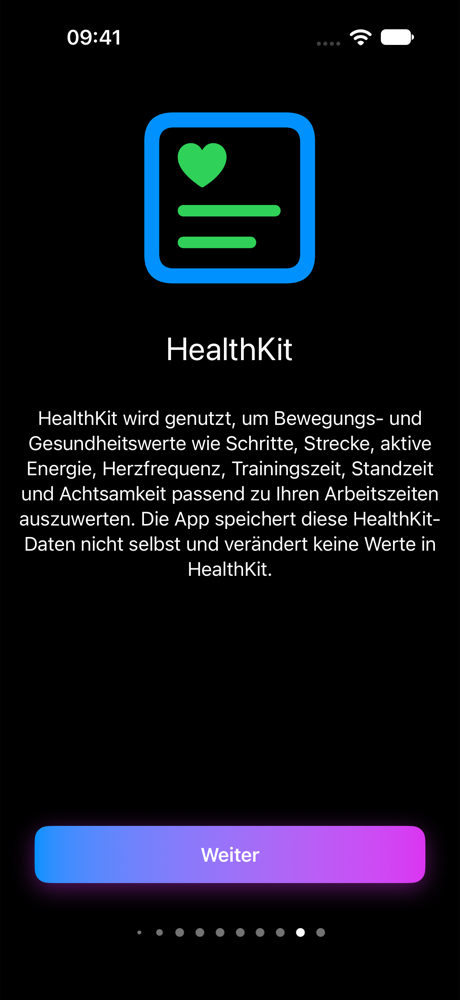 HealthKit privacy notice
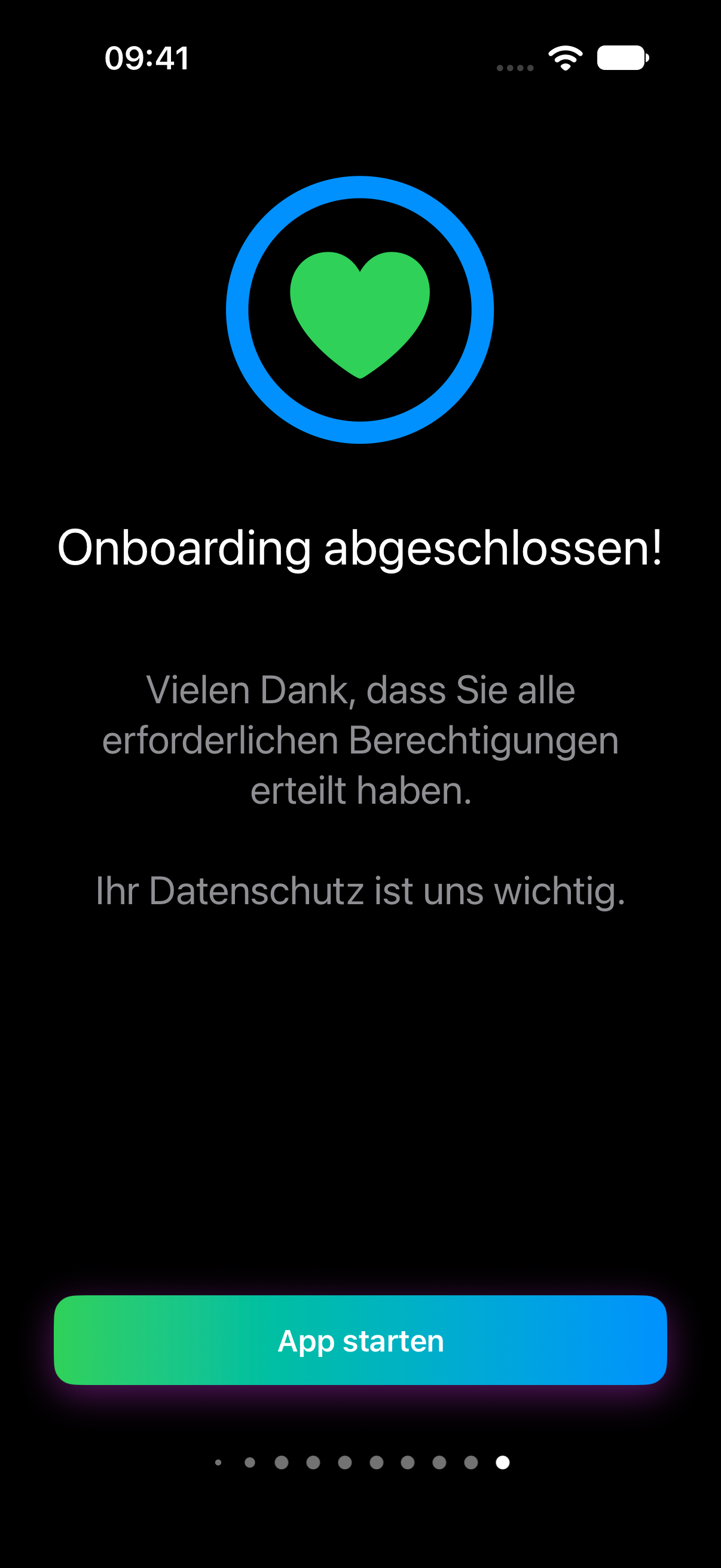
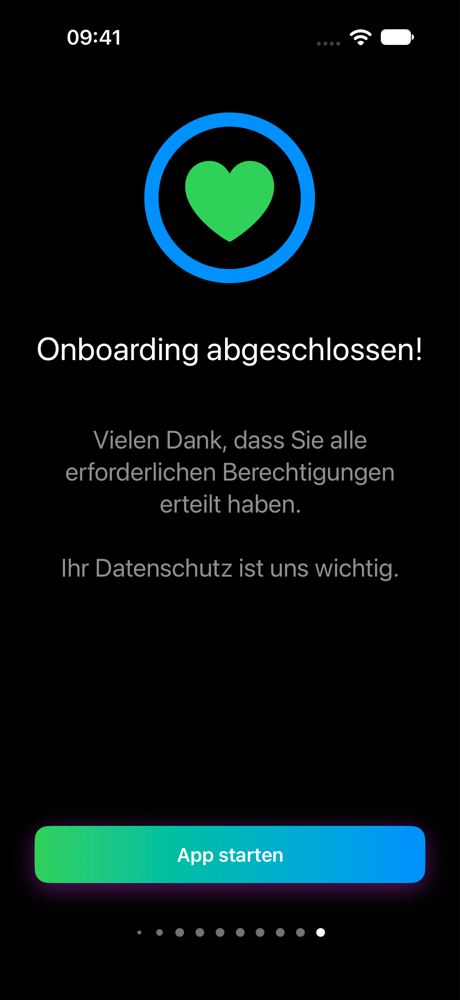 Setup complete
Features
Clock in, out, and record breaks
Record when work starts, breaks, and clock-out directly in the app. You can also clock in and out using Apple Watch, NFC, or Shortcuts.
Clock in automatically at work
Set up a workplace for location-based time tracking. With permission, the app can detect when you enter or leave the configured area.
Compare target hours and overtime
The countdown shows progress during your current work session. Use monthly and yearly views to compare recorded hours and overtime with your target hours.
Review vacation and days off
The vacation overview shows how many days you have taken and how many are still available.
Review work hours and export reports
Review recorded hours for individual jobs or a selected period. Create PDF reports to use outside the app.